
Purge inactive LDAP users job#
Remove Guardian users whose LDAP accounts no longer exist, on a schedule. This job type queries the list of LDAP users and, if the associated LDAP username no longer exists on the LDAP server, removes the record from Guardian's internal database.
Applies to: Guardian Classic
Add a scheduled job#
To add a scheduled 'Purge Inactive LDAP Users' job, complete the following:
-
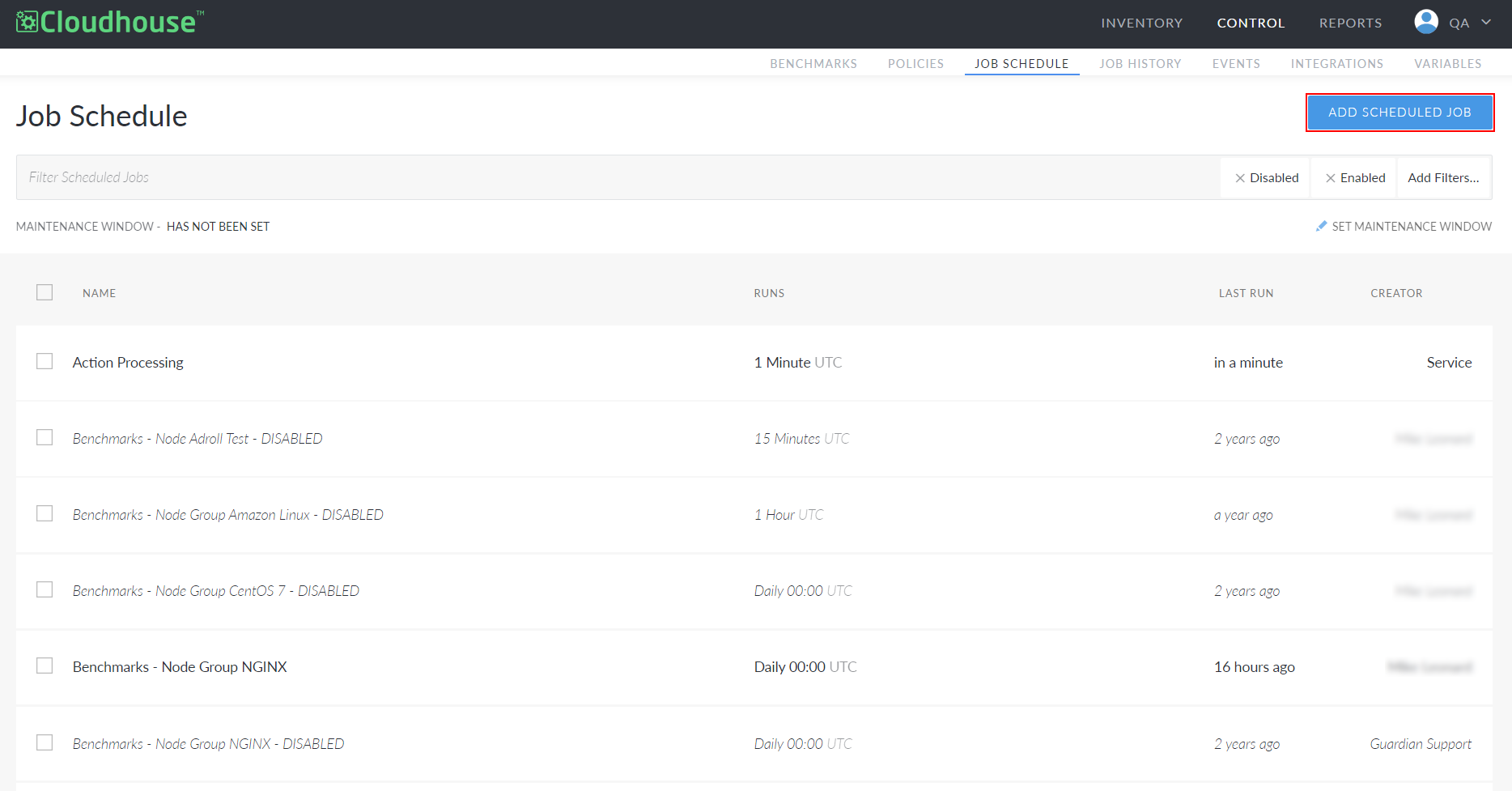
In the Job Schedule tab, click to Add Scheduled Job.
-
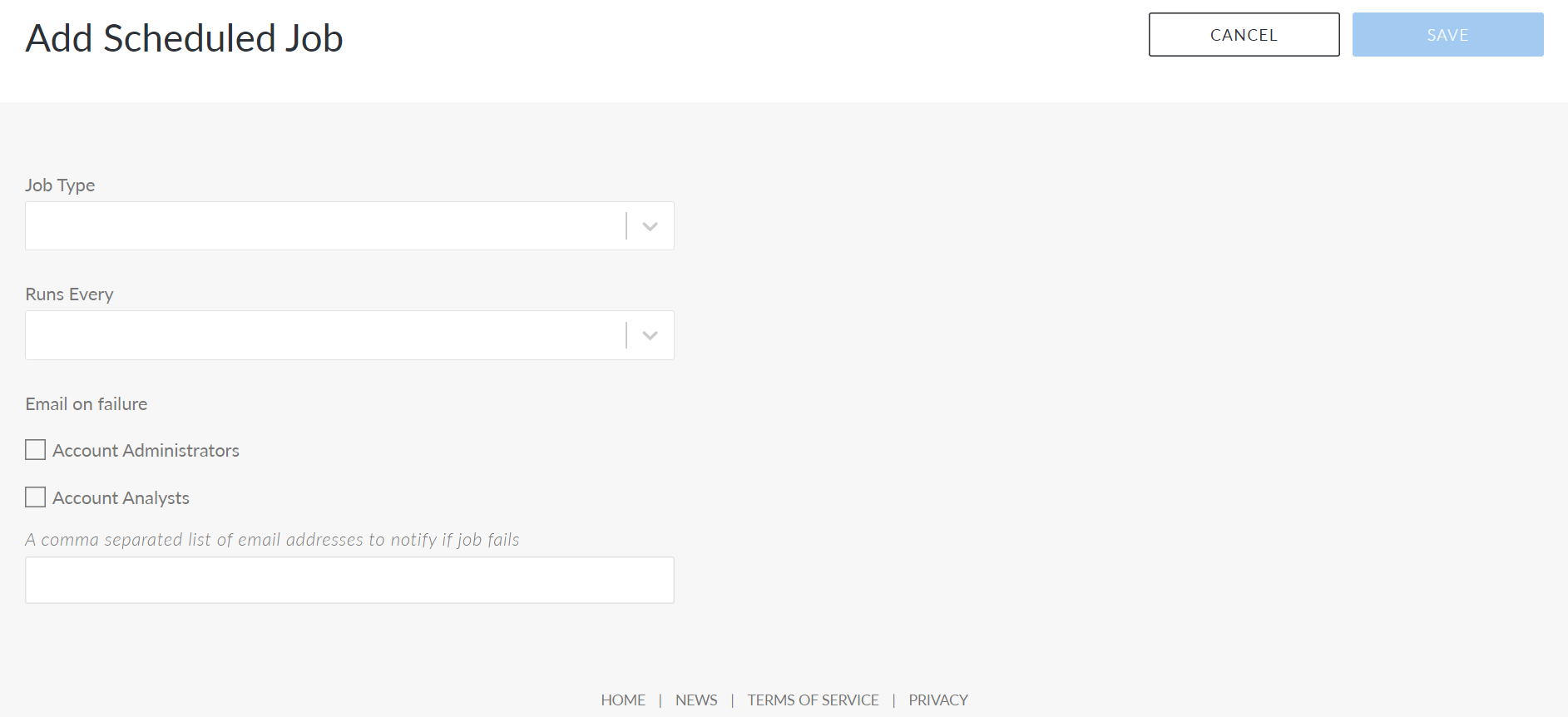
The Add Scheduled Job page is displayed. In the Job Type drop-down list, select the 'Purge Inactive LDAP Users' option.
-
Once selected, the Add Scheduled Job page is displayed with the fields required to add a Purge Inactive LDAP Users job.
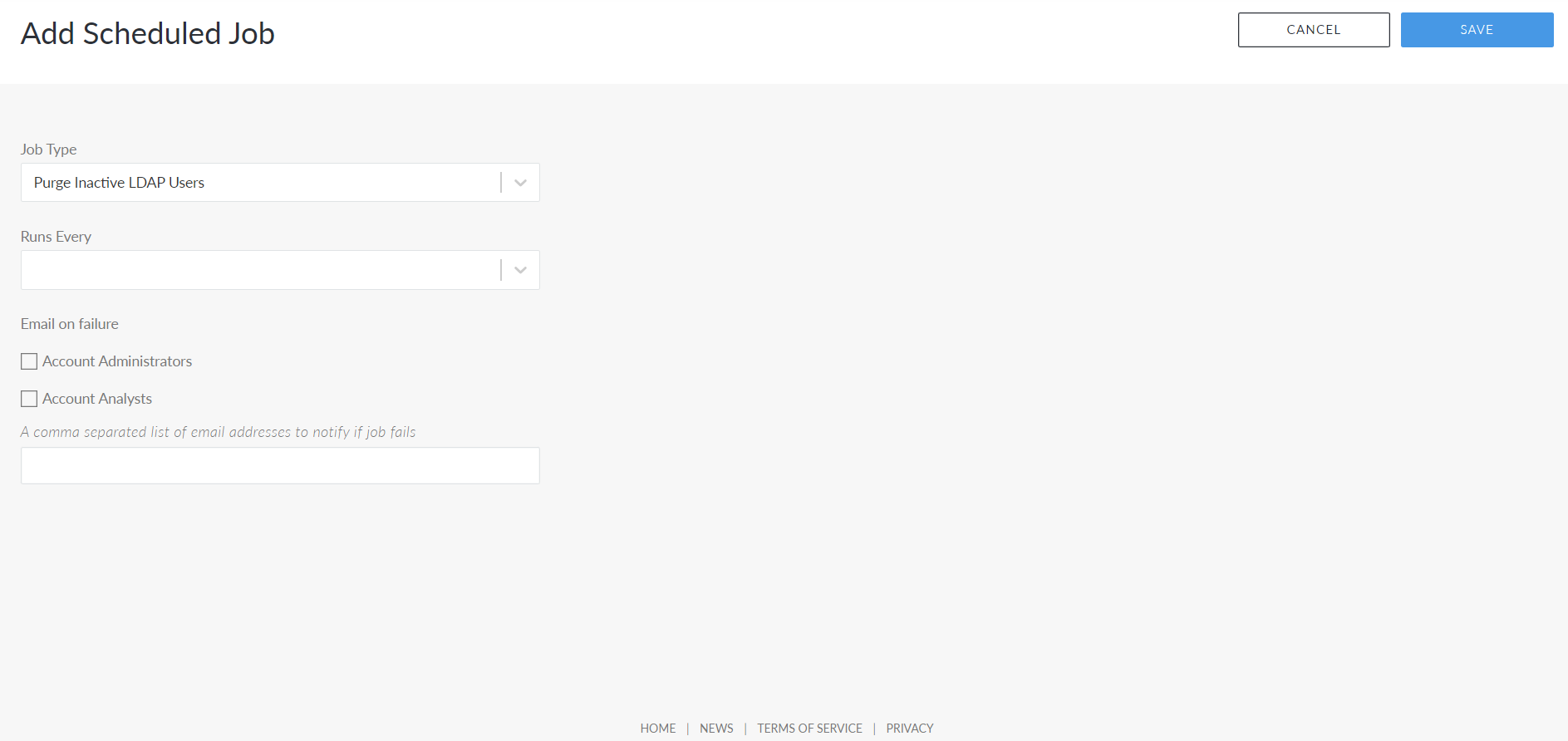
Here, the following options are displayed.
- Job Type drop-down list
- The job type configured to run on a schedule.
- Runs Every drop-down list
- How often the job will be scheduled to run. Select a value from the drop-down list. If you select a schedule to run every 12 hours, additional fields are displayed for you to configure the exact day and time.
- Source drop-down list
- The node or node group that you want the job to be performed on.
- Account Administrators checkbox
- Select this option to notify account administrators via email if the job schedule fails.
- Account Analysts checkbox
- Select this option to notify account analysts via email if the job schedule fails.
- A comma separated list of email addresses to notify if job fails field
- Enter a list of email addresses to notify if the job schedule fails, each separated by a comma.
- Once you have entered the correct value in each field, click to Save the job schedule.
If each value was set correctly, a confirmation message is displayed and the job is added to the Job Schedule tab. The job will automatically run according to the schedule you set.
Note
Once the job is run, the results are displayed as a 'Purge Inactive LDAP Users Job' event in the Events tab. For more information, see Events.