
Add a benchmark or policy to a node group#
Apply a CIS benchmark or a custom policy to a node group. In addition to default benchmarks, Guardian also provides the opportunity to create custom Policies to define a desired configuration state at the node or node group level. Benchmarks and policies work identically to one another, the main difference being that benchmarks are related to CIS benchmarks whereas policies can be created and configured by any Guardian user from scratch or based on the results of a node scan, amongst other solutions.
Applies to: Guardian Classic
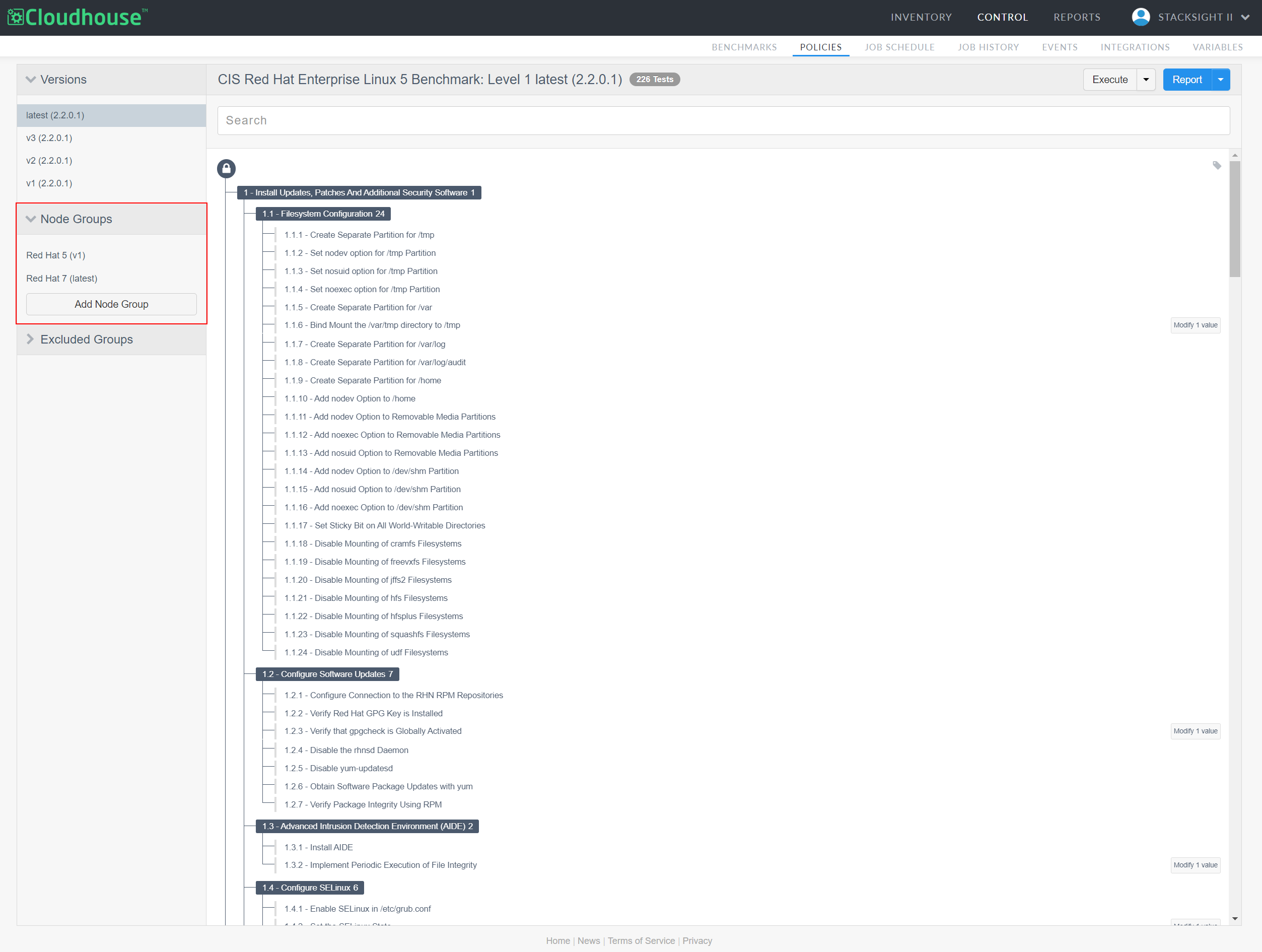
To add a benchmark/policy to a node group, complete the following steps:
-
In the Benchmarks tab (Control > Benchmarks) or the Policies tab (Control > Policies), select the benchmark you want to apply. The benchmark policy is then displayed in the Policies tab, with each of the checks included.
Note
Alternatively, you can select 'Add To Node Group' from the View drop-down list.
-
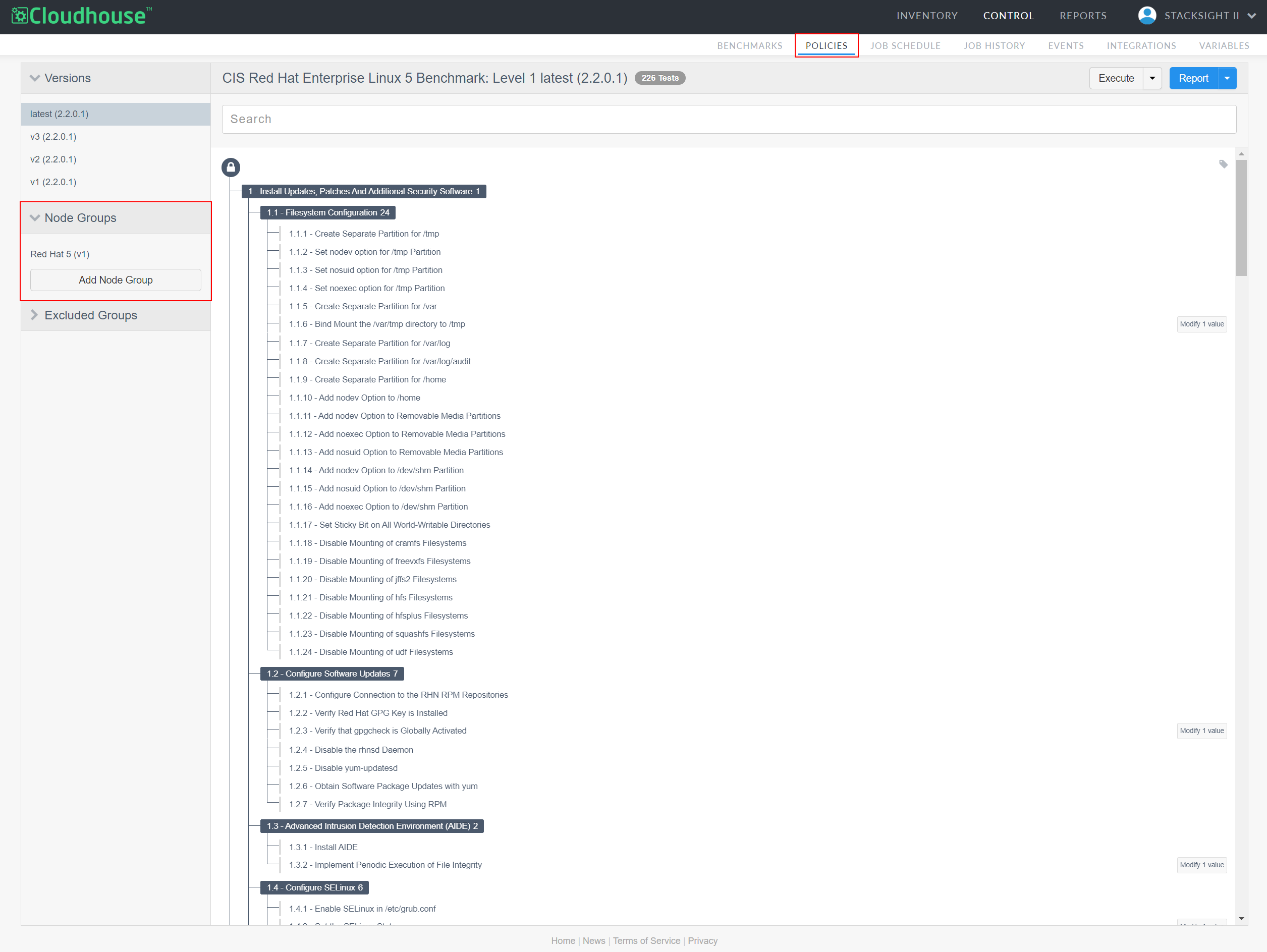
Click to Add Node Group. The Select node groups dialog is displayed.
Note
If any node groups are already applied to the selected benchmark/policy, they are displayed in the Node Groups drop-down menu.
-
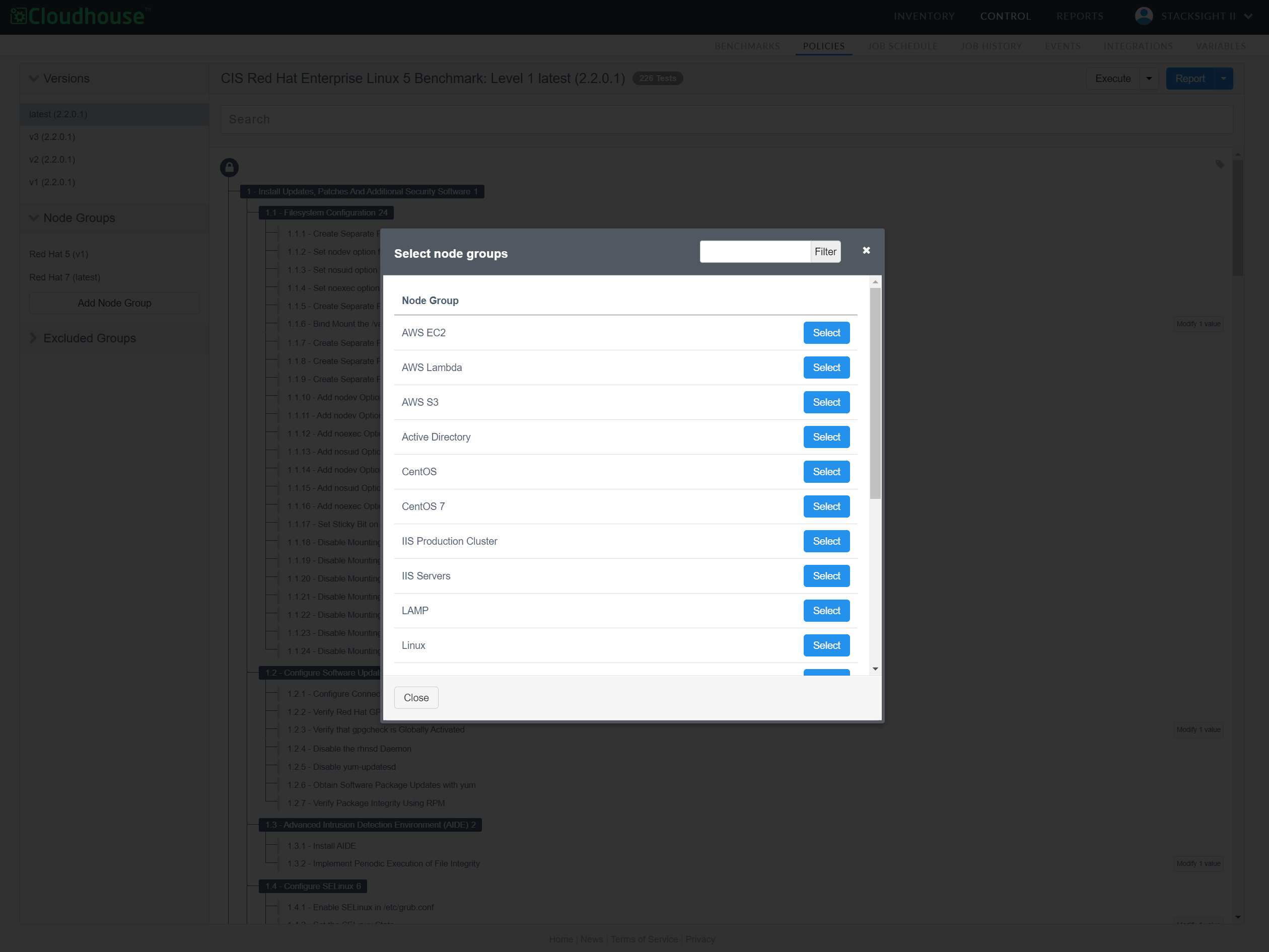
Select a Node Group from the list displayed, or use the search box to filter your results.
-
Once selected, the node group is added to the Node Groups drop-down menu. You can add multiple node groups to the benchmark/policy at a time. Once complete, click to Close the dialog.
Alternatively, you can add a scheduled job to run a benchmark/policy against a node or node group according to a specified schedule. For more information, see Benchmarks – Job Type.