
Exclude node groups and checks from a benchmark#
Leave a node group, or individual checks, out of a benchmark you have applied. If you have applied a benchmark to a high-level node group, such as 'Windows Server 2019', but need to exclude specific nodes from the compliance checks, you can create a separate node group containing those nodes and exclude that group from benchmark instance. This way, the benchmark still applies to the high-level group while ensuring the excluded nodes are not considered for compliance evaluation. Additionally, you can exclude individual checks from a benchmark to prevent certain compliance rules from being applied.
Applies to: Guardian Classic
This topic describes how you can exclude a node group and individual checks from a benchmark, allowing you to customise benchmark enforcement by removing specific nodes or checks from compliance evaluation.
Exclude a node group#
You can exclude an entire node group from a benchmark to remove specific nodes from compliance evaluation. This allows you to apply a benchmark to a high-level group while ensuring certain nodes are not included in the compliance checks.
To exclude a node group from a benchmark, complete the following steps:
-
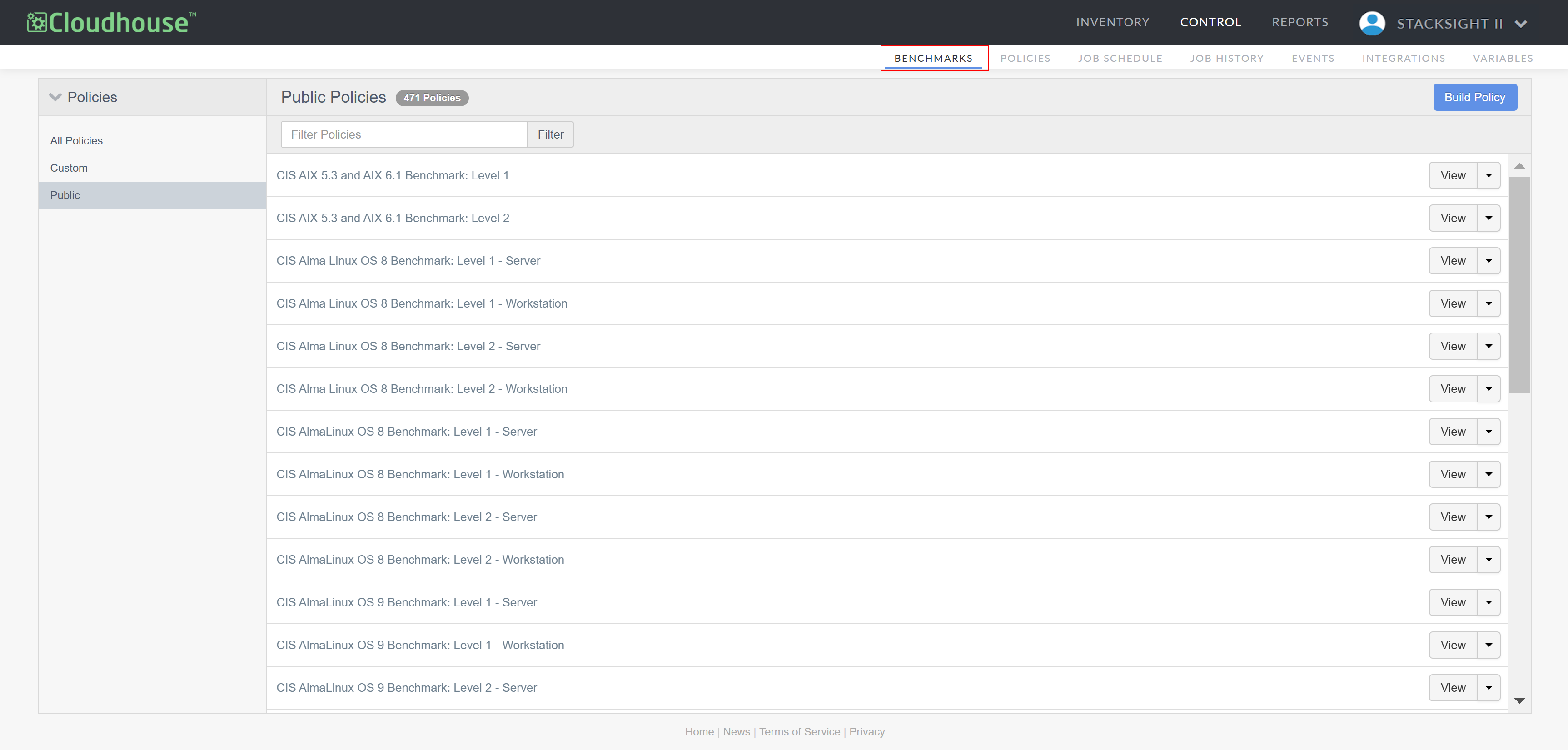
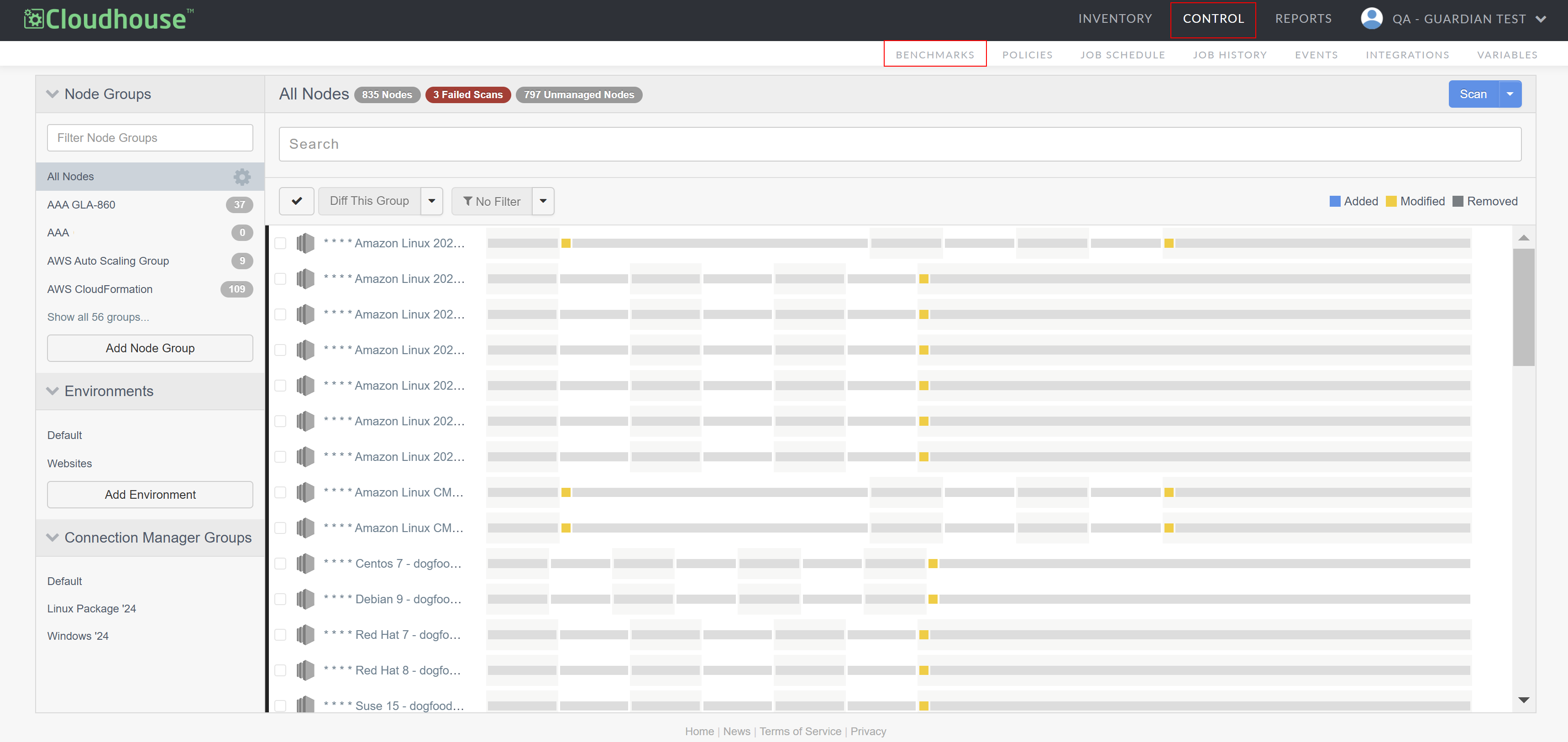
In the Guardian web application, navigate to the Benchmarks tab (Control > Benchmarks). The public policies are displayed.
-
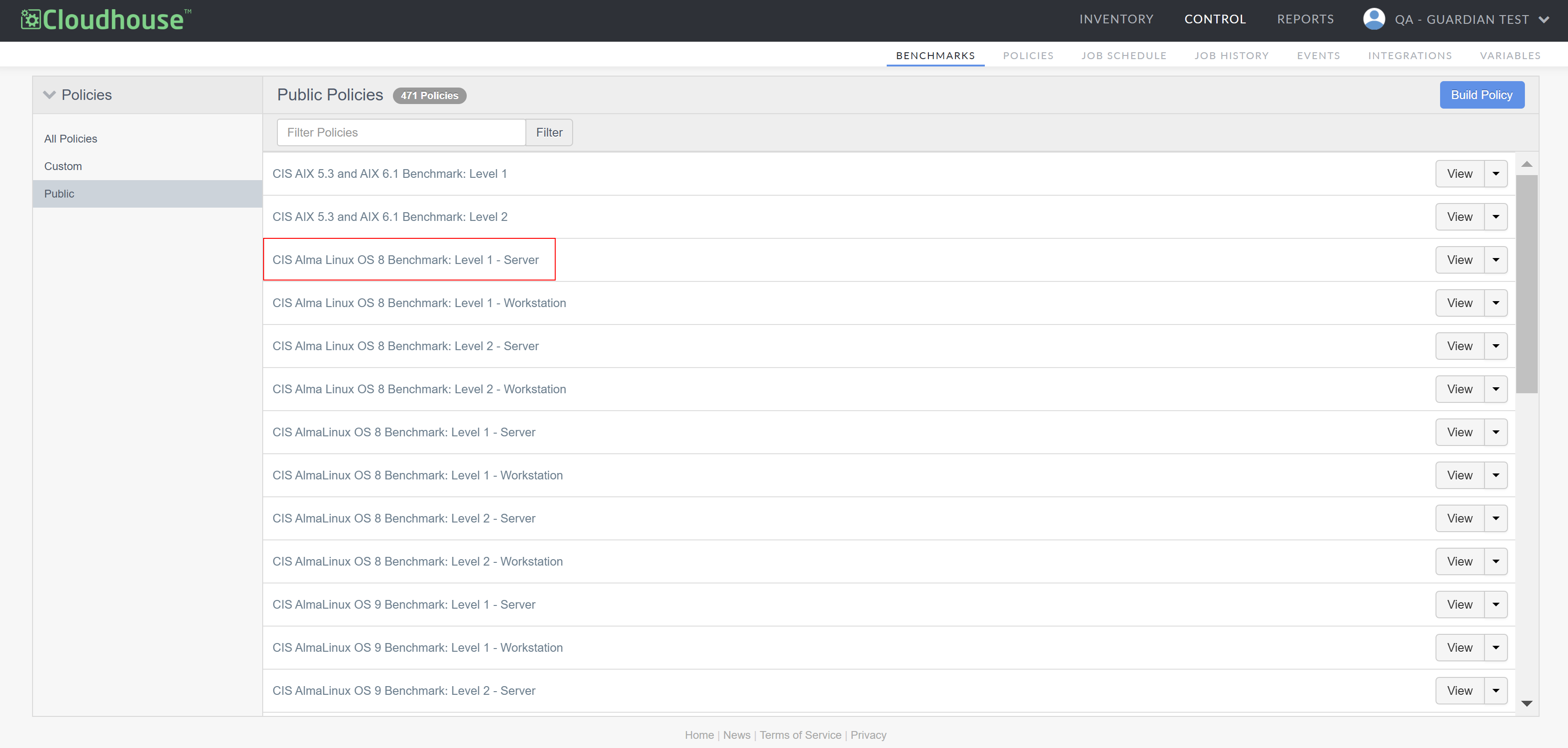
From the list displayed, select the benchmark you want to configure. If any node groups are already excluded from the selected benchmark, they are displayed in the Excluded Groups drop-down menu.
-
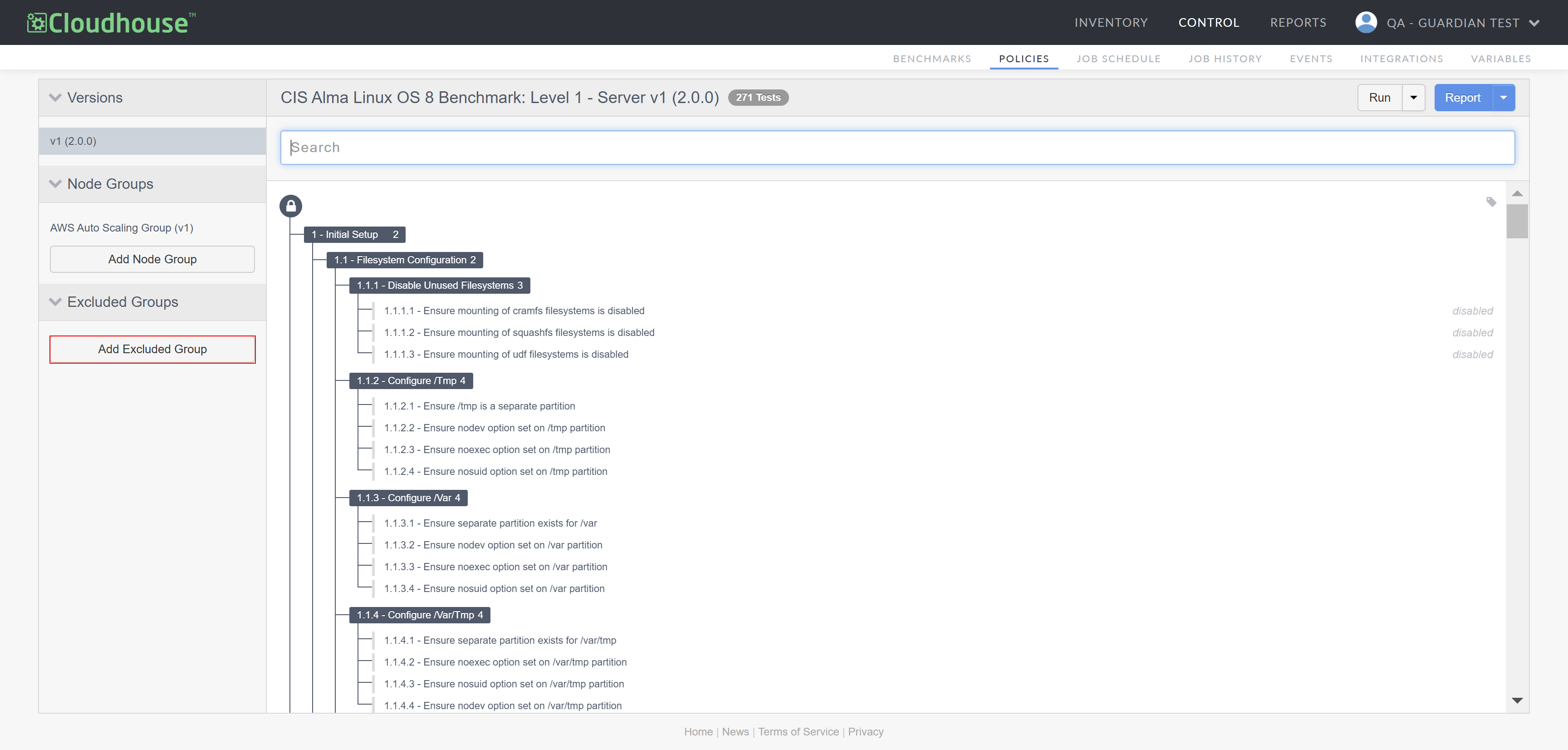
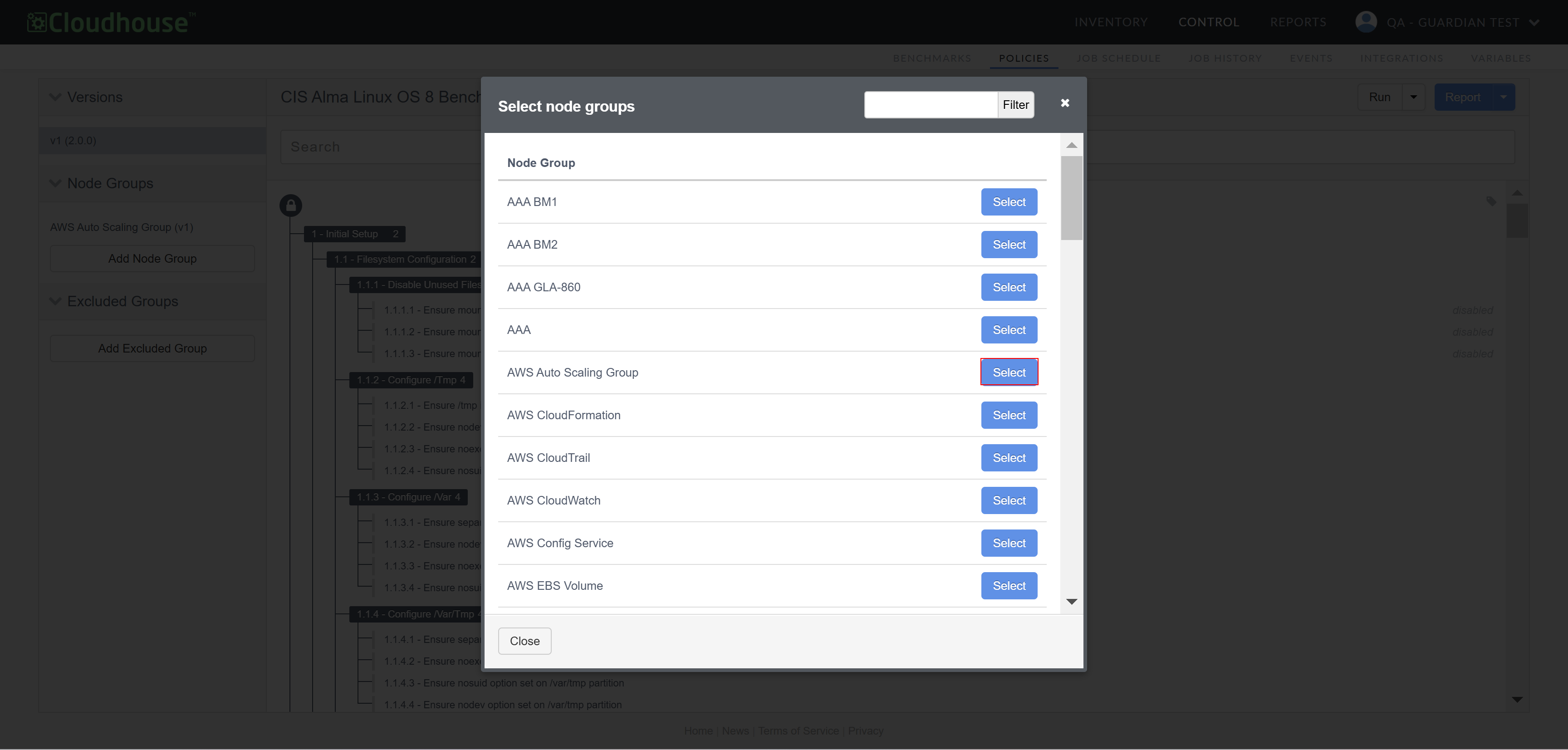
Select Add Excluded Group from the Excluded Groups drop-down menu. The Select node groups dialog is displayed.
-
From the list displayed, click Select next to the node group you want to exclude, or use the search box to filter your results.
-
Once selected, the node group is added to the Excluded Groups drop-down menu. You can exclude multiple node groups from a benchmark at a time. Once complete, click to Close the dialog.
Note
Alternatively, you can add a scheduled job to run a benchmark against a node or node group according to a specified schedule. For more information, see Benchmarks – Job Type.
In addition to excluding a node group from a benchmark, you can exclude individual checks from a benchmark, allowing for more granular control. For more information, see below.
Exclude individual checks#
Within a node group, you can exclude specific benchmark checks if they are not relevant to your environment, conflict with operational requirements, or produce false positives that do not indicate actual security risks. This allows for greater flexibility in compliance enforcement, ensuring that only the necessary checks are applied.
To exclude individual checks from a benchmark, complete the following steps:
-
In the Guardian web application, navigate to the Benchmarks tab (Control > Benchmarks). The public policies are displayed.
-
From the list displayed, select the benchmark that contains the individual checks you want to exclude. The benchmark policy is then displayed in the Policies tab, with each of the checks included.
-
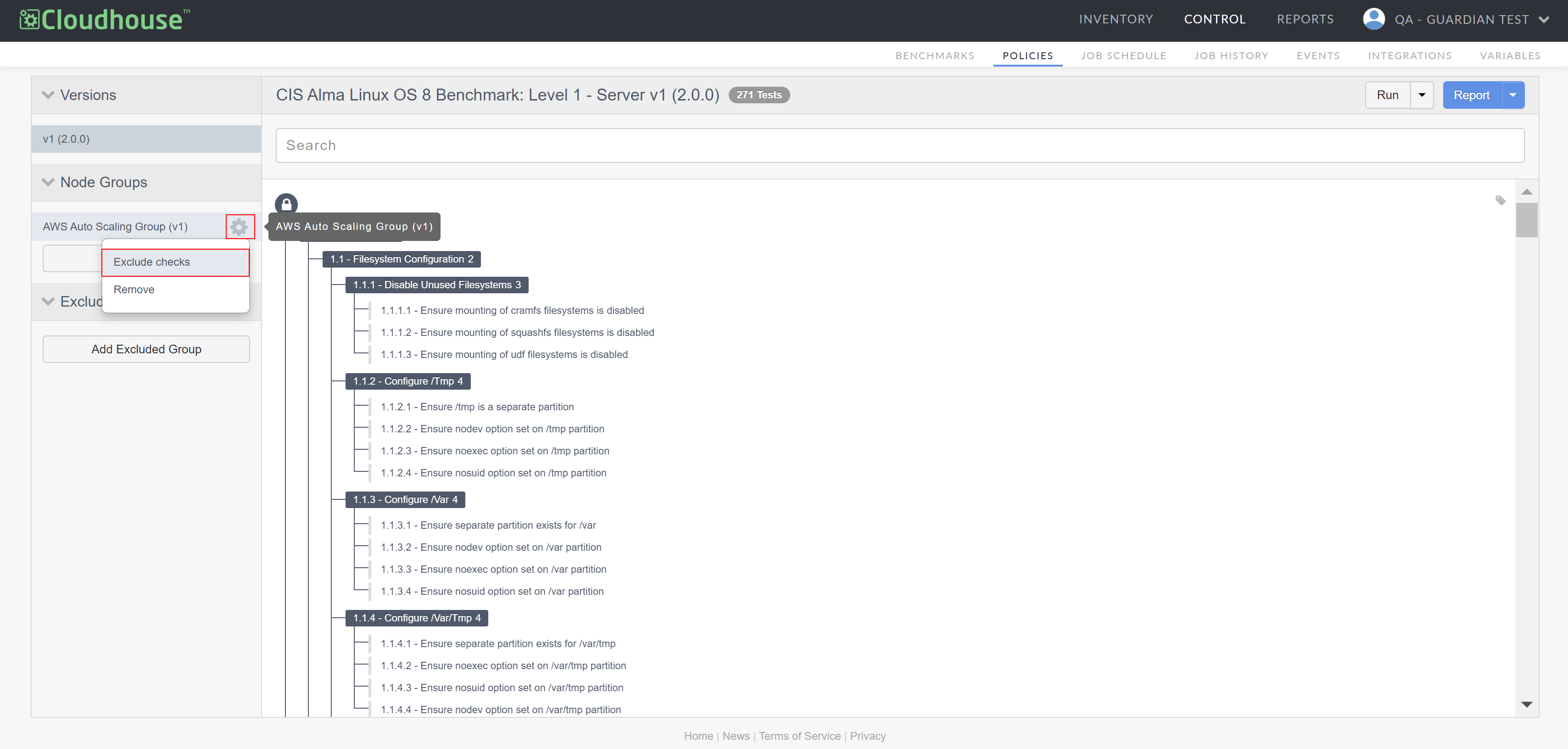
From the list of Node Groups, click the Settings icon (
 ) next to the node group that contains the individual checks you want to exclude and select Exclude Checks. The policy checks become available for exclusion.
-
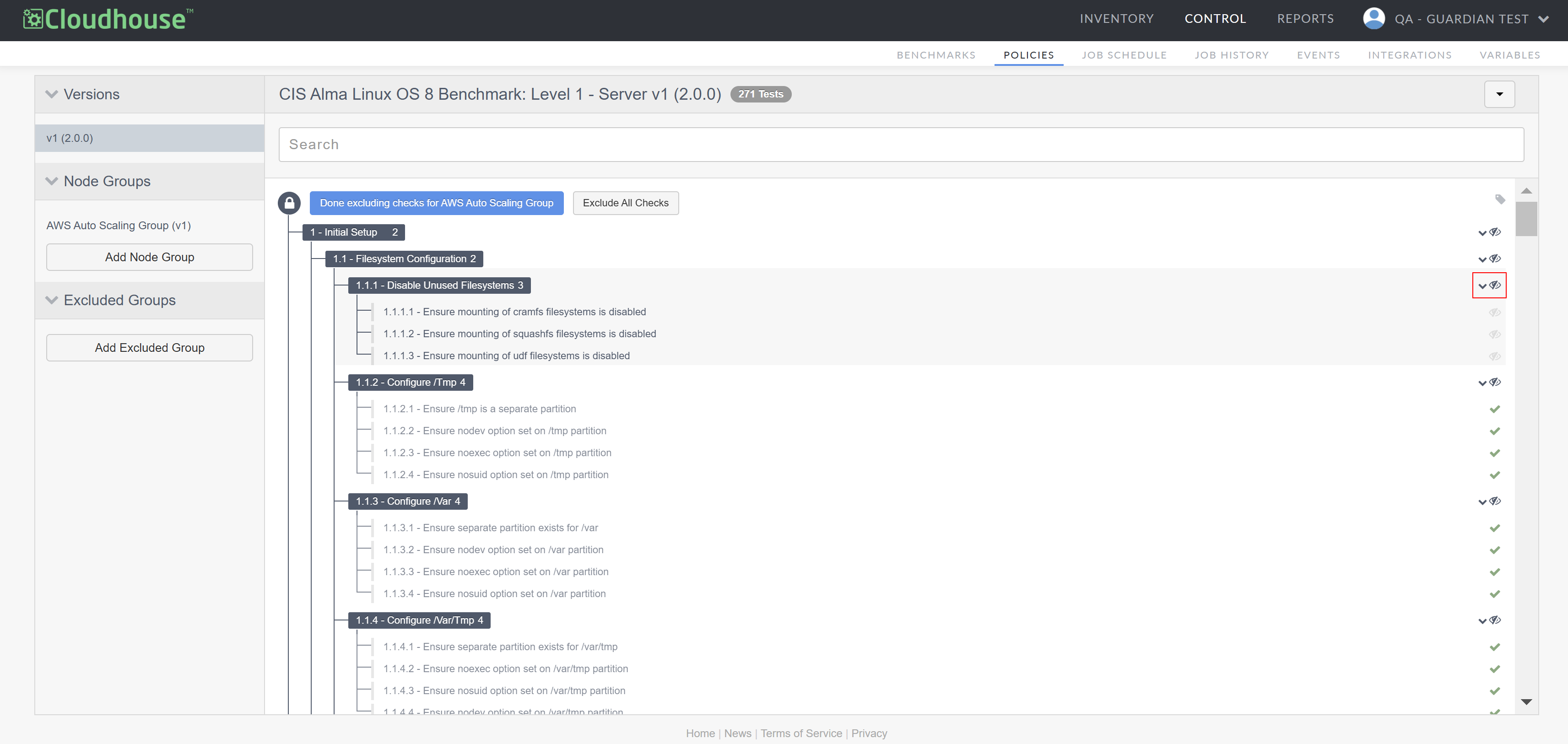
Next to each item, select the Check button (
 ) to individually remove a check or select the Hide button (
 ) to remove all checks under a section.
Tip
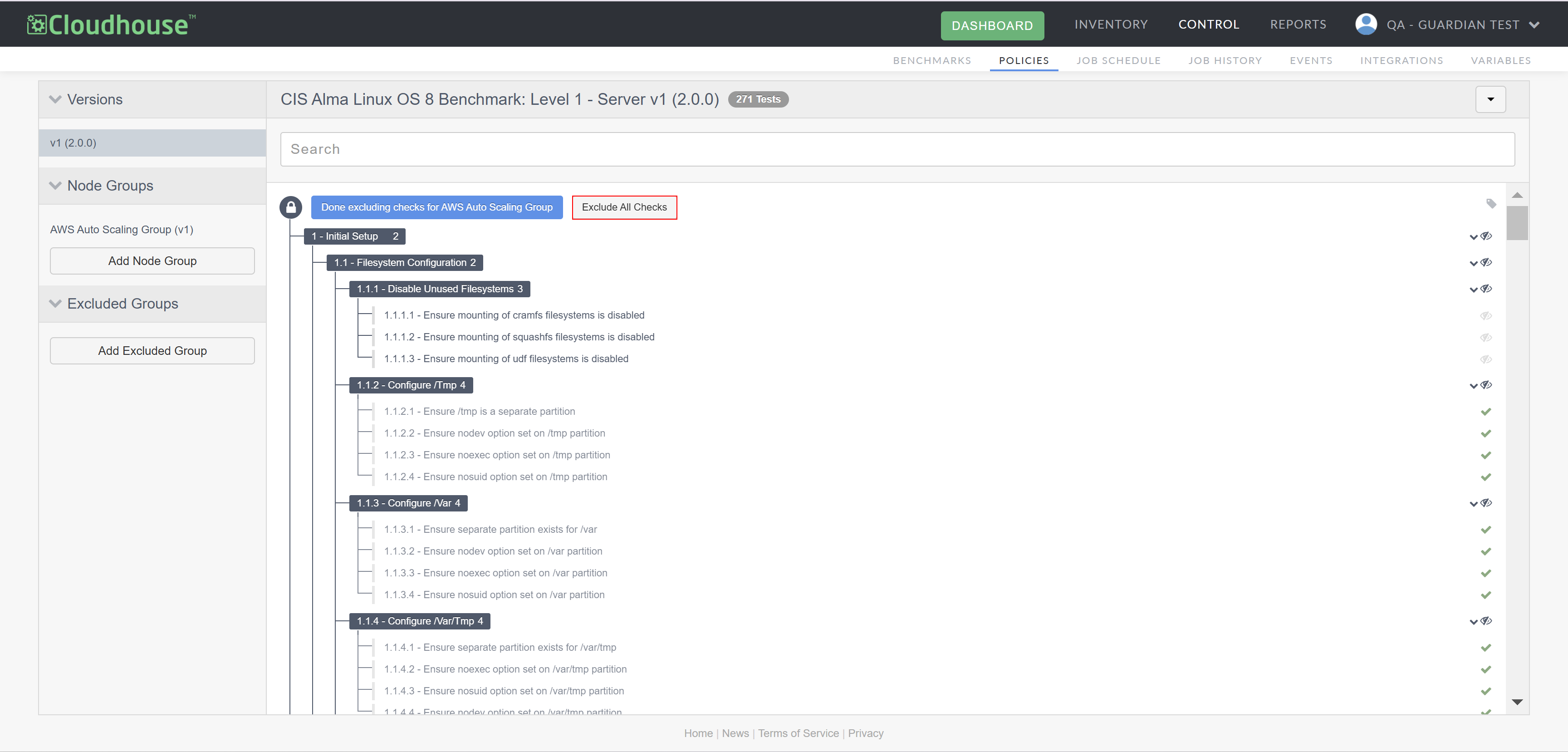
Alternatively, you can click the Exclude All Checks button and work in reverse, selecting the individual checks you want to include.
-
Click Done excluding checks for... to save your changes.
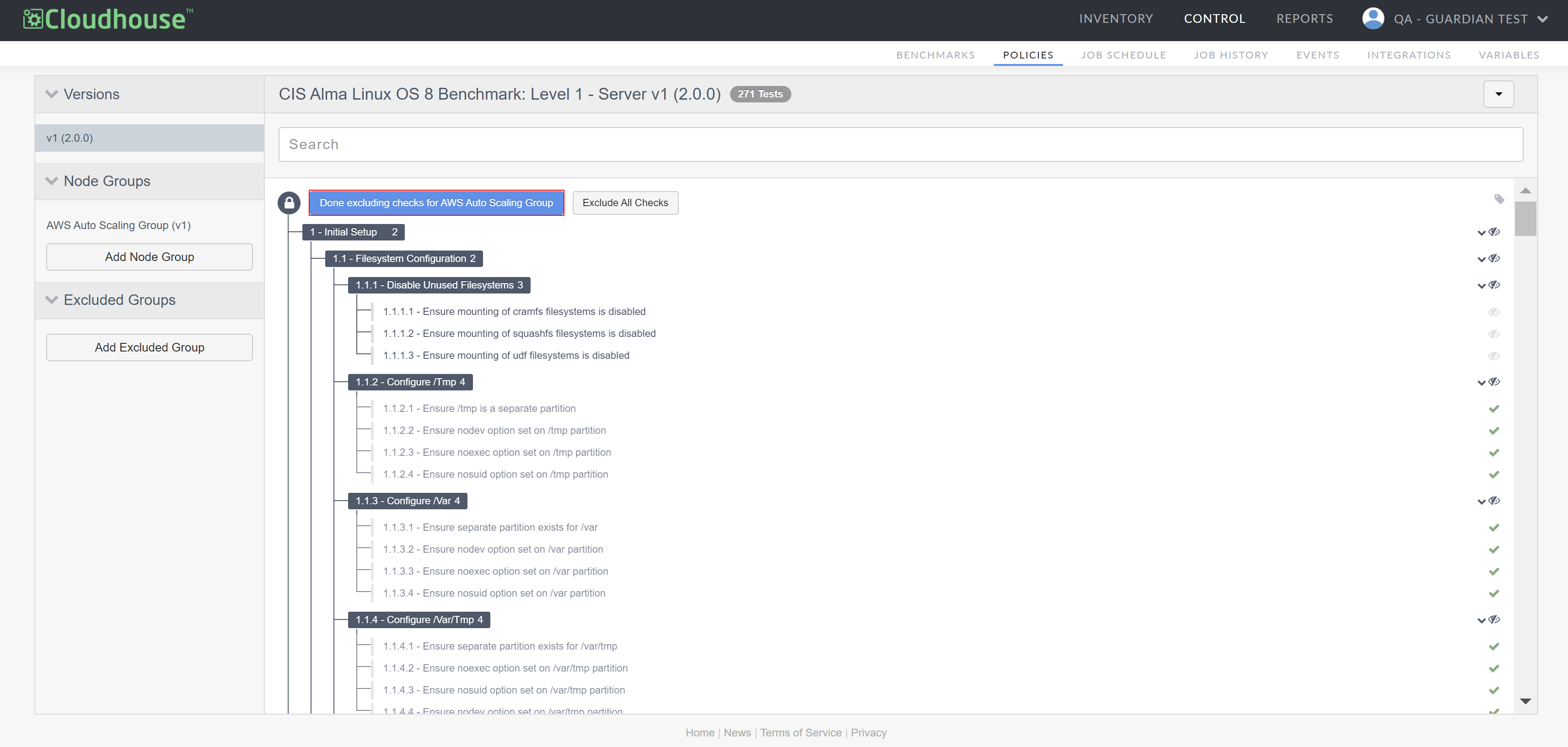
The selected item(s) will be marked as 'Disabled' and will not be considered when the policy runs.