Overview
View Markdown
Scans#
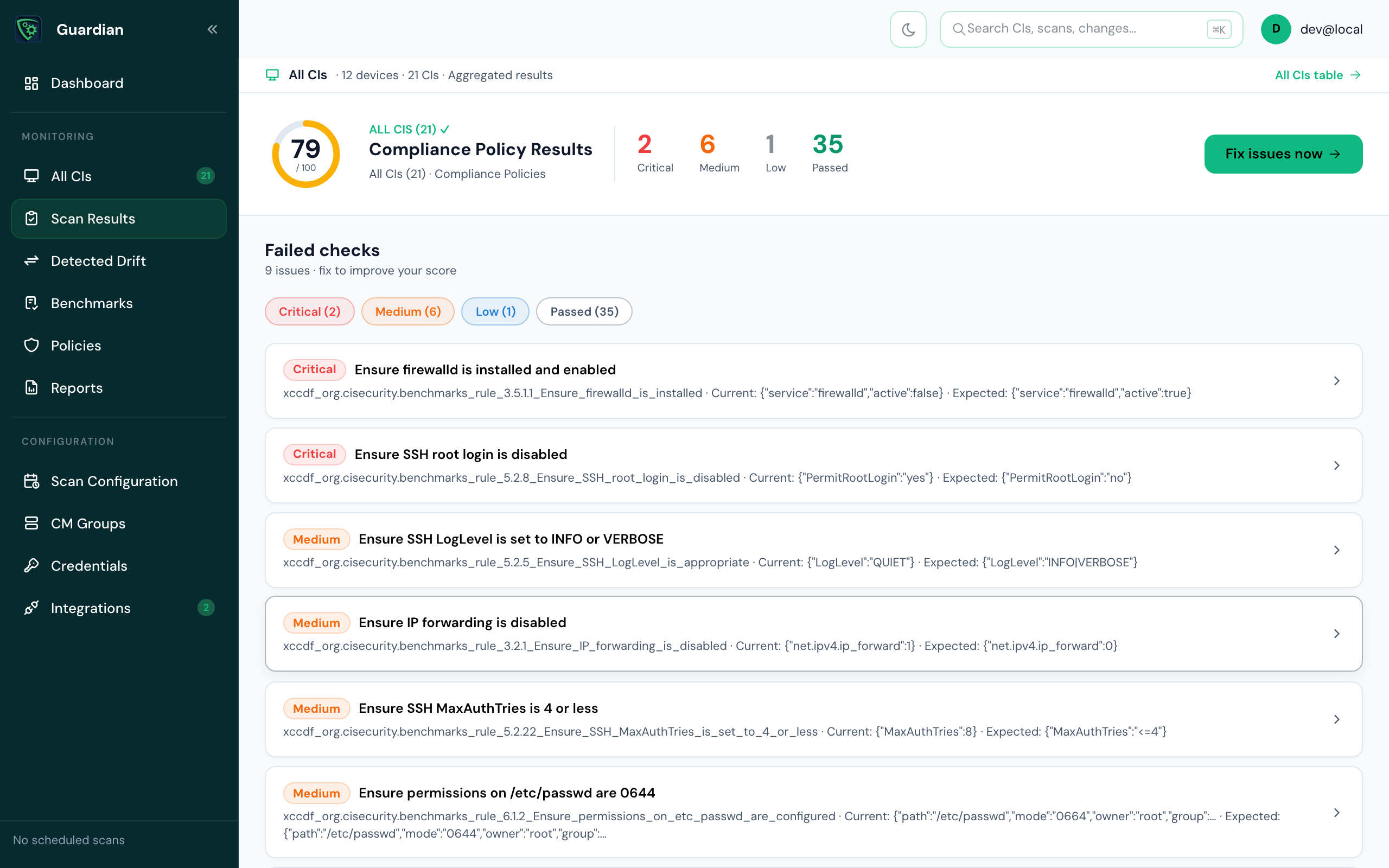
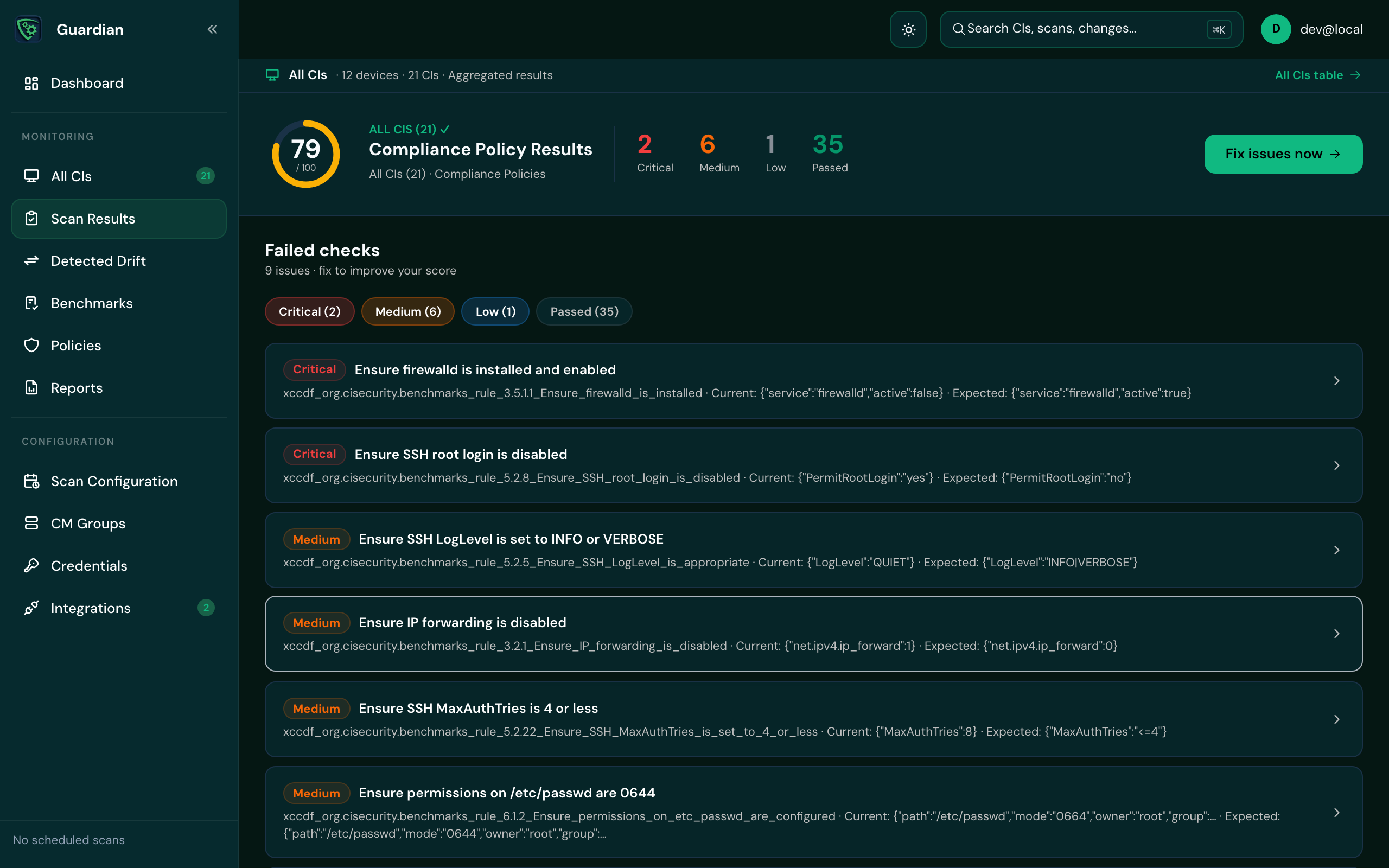
Scan Results shows how your CIs fared on their latest scans: a compliance score, the failed checks by severity, and each check's current and expected values.
Scan states#
| State | What it means | What to do |
|---|---|---|
| Queued | The scan is waiting and will start shortly. | Nothing. |
| In progress | The scan is running. You can leave the page; it carries on in the background. | Nothing, or cancel it. |
| Completed | The scan finished. Any drift appears on Detected Drift. | Review the results. |
| Failed | The scan hit an error and couldn't complete. | Check the agent or Connection Manager logs on the CI, or rescan. |
| Cancelled | Someone cancelled the scan before it completed. | Rescan if you still need it. |
| Stuck | The scan has made no progress for some time. | Rescan, or contact support if it happens again. |
Read a scan's results#
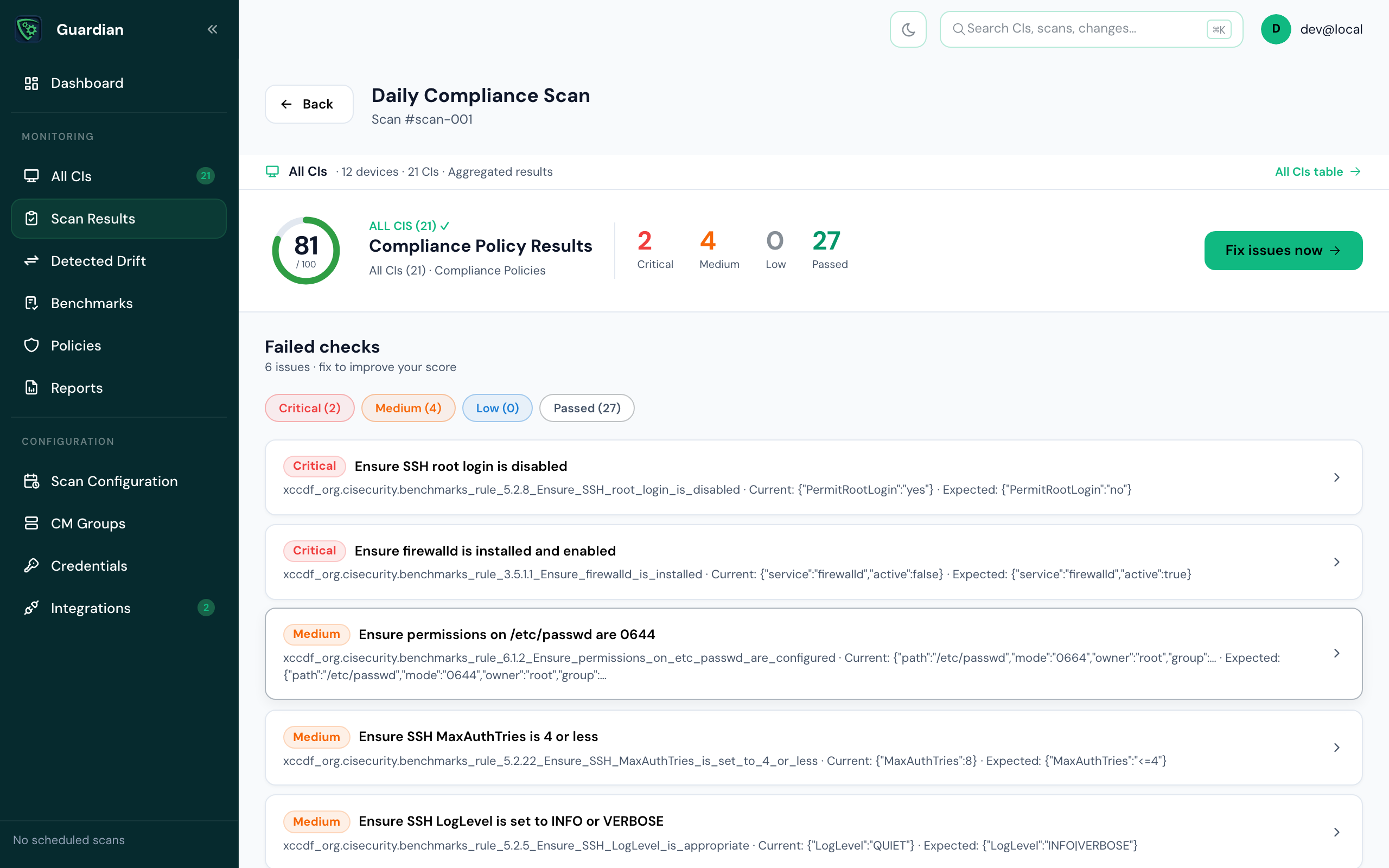
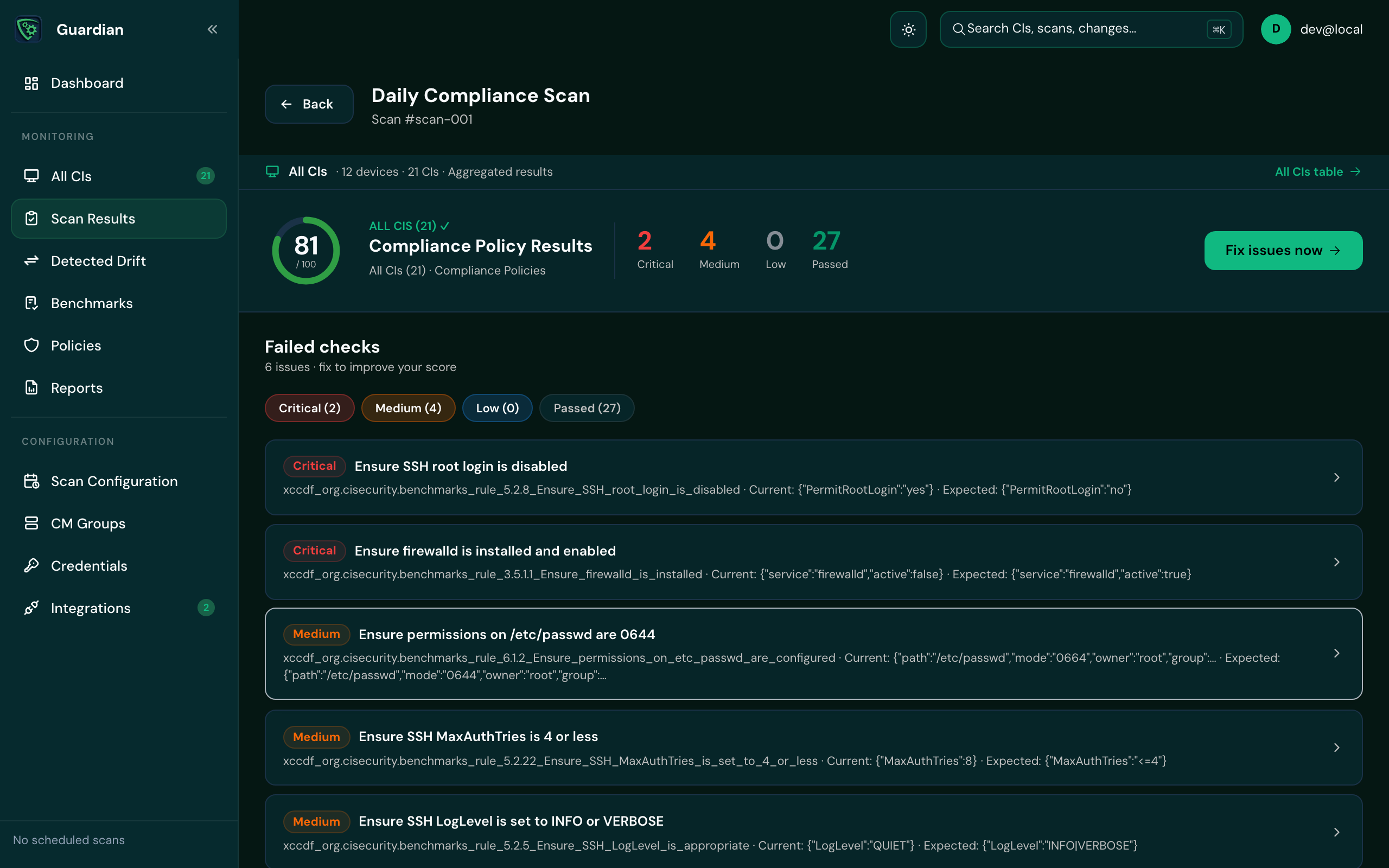
A scan shows the CIs it covered and its Compliance Policy Results: the checks that passed and failed, with each failed check's current and expected value. Filter the checks by severity (shift-click to pick more than one). Fix issues now takes you to the remediation for the failed checks.
For a failed check, How to fix this shows the remediation steps written for that rule, where there are some.
Run a scan#
- One CI: open it from All CIs and select Run Scan Now.
- Again: rescan from the scan's page. Only one rescan runs at a time.
- On a schedule: see Scan schedules.
Good to know
Drift is found by comparing a scan with the one before it, so a CI's first scan records its configuration and later scans report what changed.