Get started with Guardian Essentials#
Guardian scans your CIs, records their configuration and tells you what changed since the last scan. This page takes you from signing in to reviewing your first drift.
Before you start#
You need a Guardian Essentials account. If you've been invited, use the link in your invitation email to set a password, then sign in.
Add your first CIs#
A CI is anything Guardian can scan: a server, a laptop, a boundary device or a cloud entity. On the Dashboard, Welcome to Guardian offers the quickest ways to add some:
- Install the Guardian Agent on a Windows, macOS or Linux device.
- Connect an AWS account to discover EC2, RDS, S3 and more automatically.
- Import CIs from your ServiceNow CMDB.
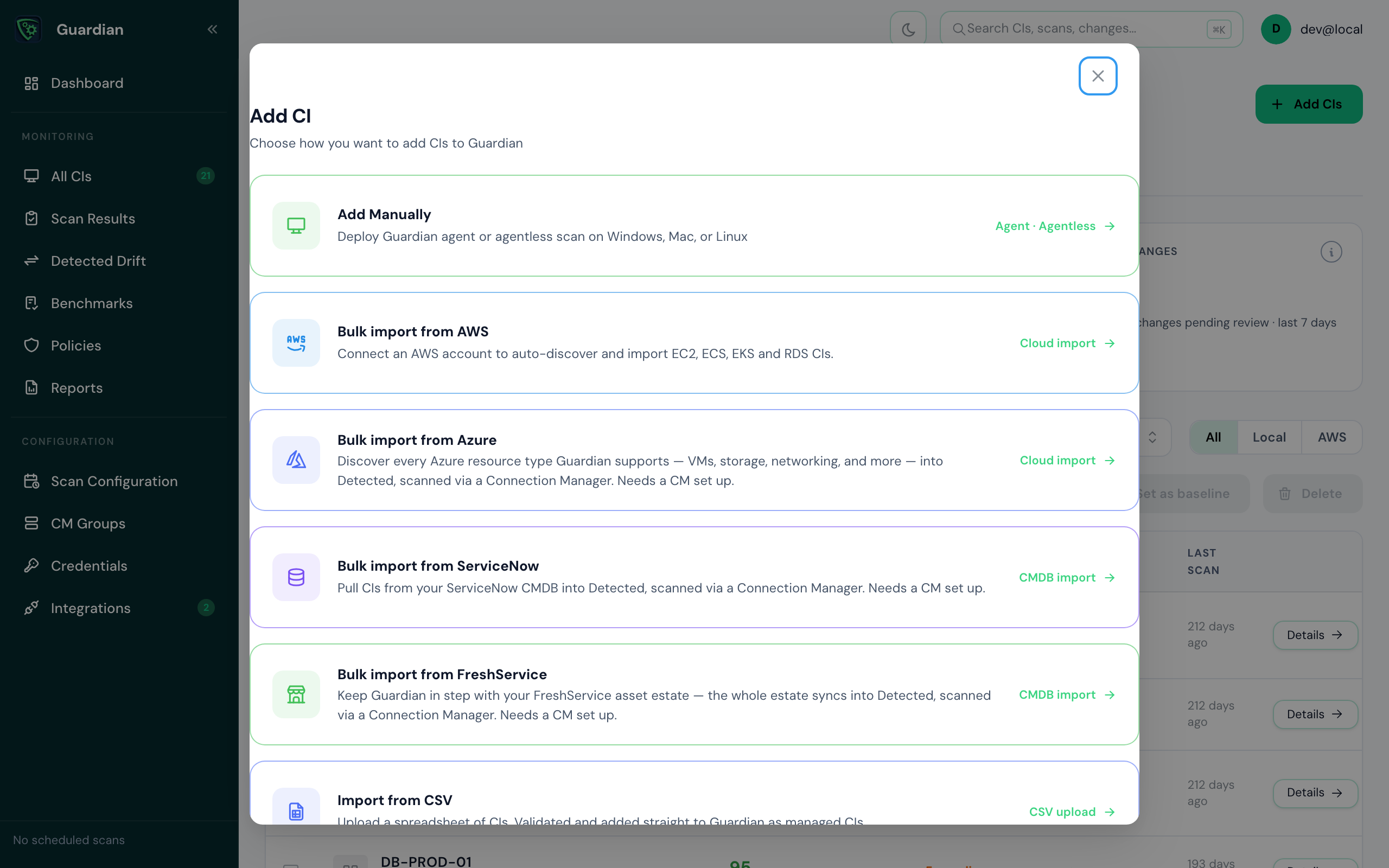
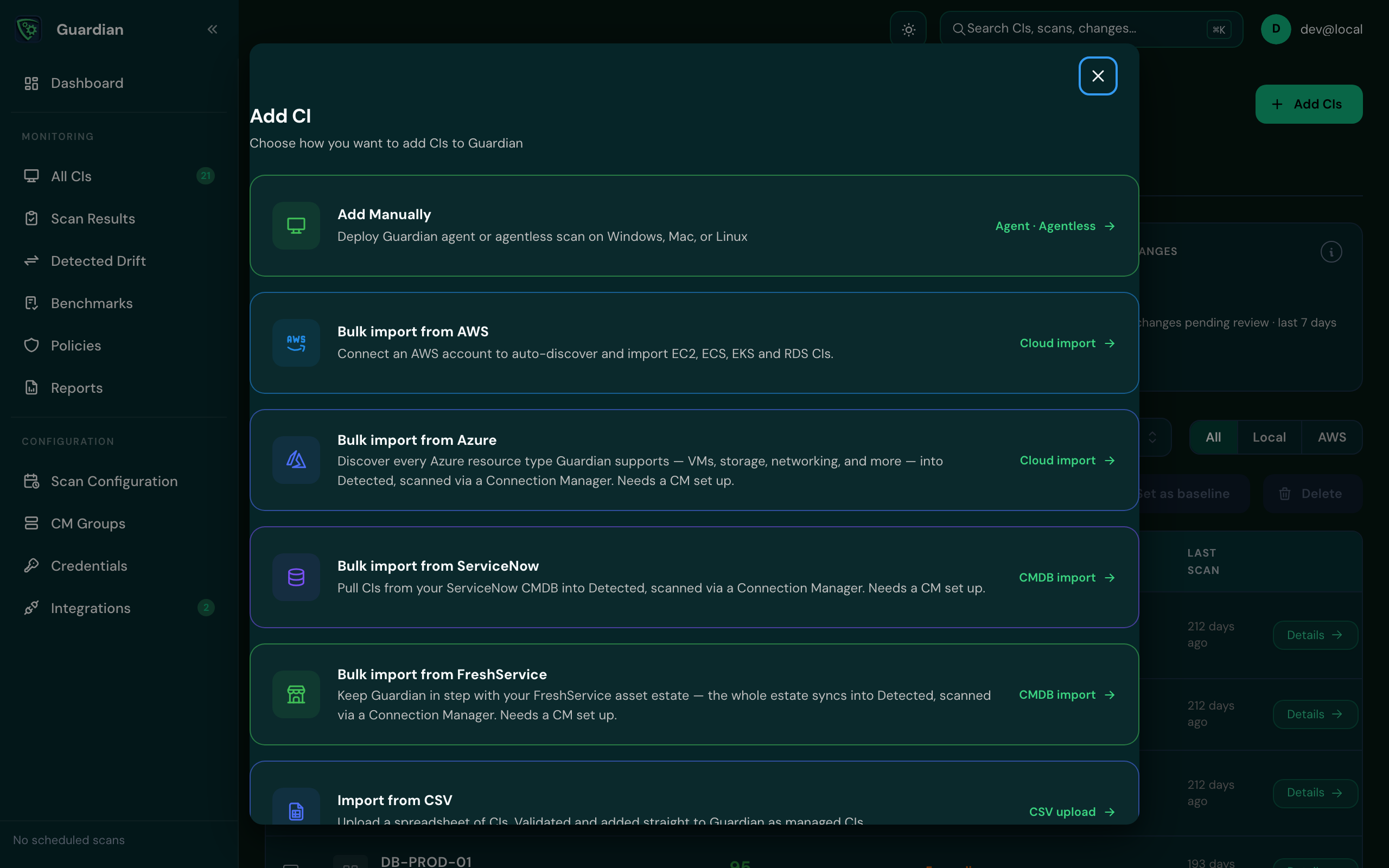
For every option, including scanning without an agent, see Add CIs.
Run a scan#
New CIs are scanned when they connect. To scan again, open the CI from All CIs and select Run Scan Now. To scan on a schedule, see Scan schedules.
Review what changed#
After a second scan, anything that changed appears on Detected Drift. Each item shows the CI, when the change was detected, and the value before and after. See Detected Drift.
Approve what you expected#
Drift that was planned or authorised can be approved, with a reason or a change request reference, so only the unexpected is left to look at. See Approve drift. If you use ServiceNow, Guardian can do this for you: see Change reconciliation.