
Add CIs#
Guardian can scan a CI with its agent installed, or without installing anything by using a Connection Manager. It can also discover CIs in your cloud accounts and import them from your CMDB.
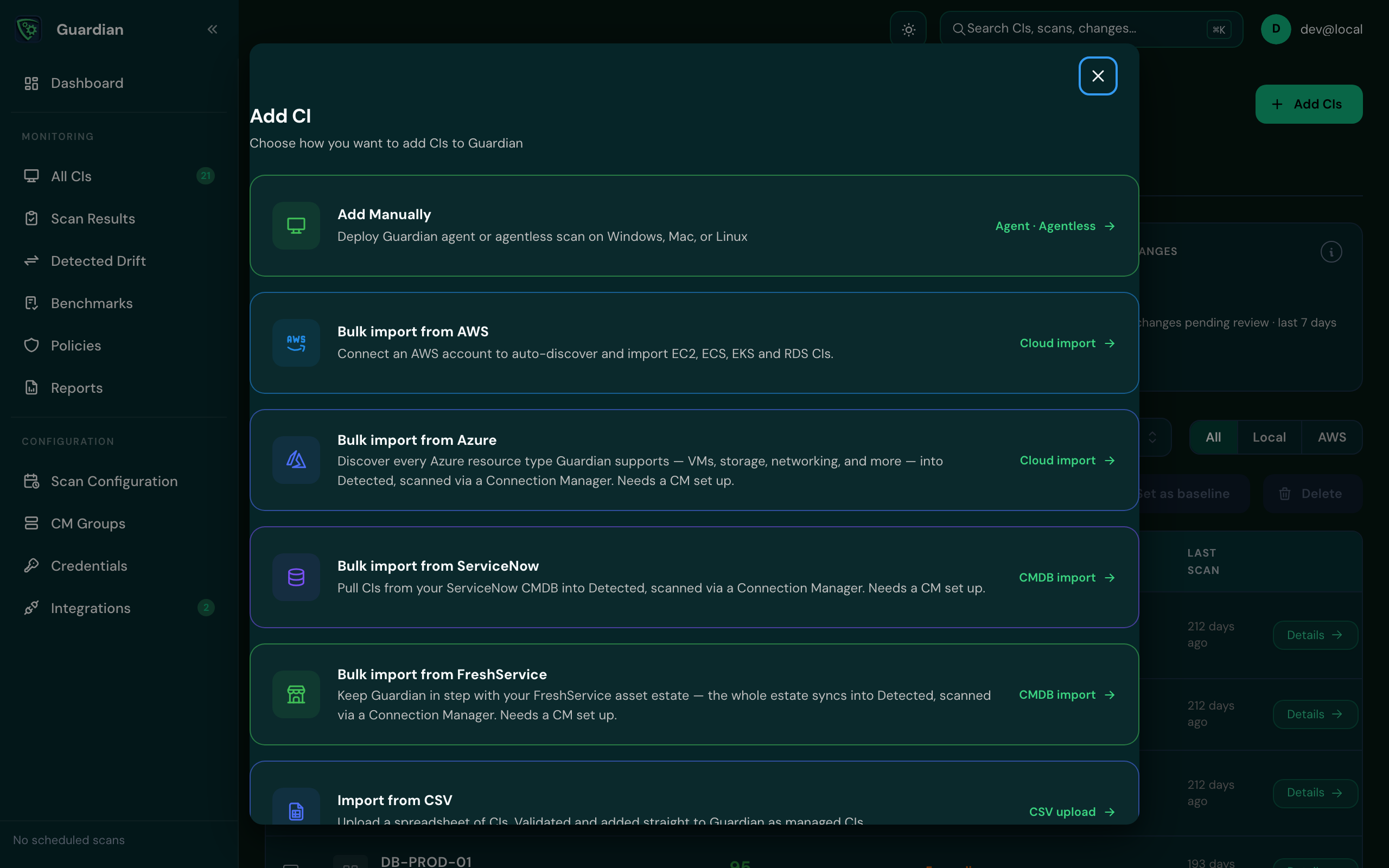
Start from All CIs and select Add CIs, or from Welcome to Guardian on the Dashboard. The Add CI dialog lists every way available to you.
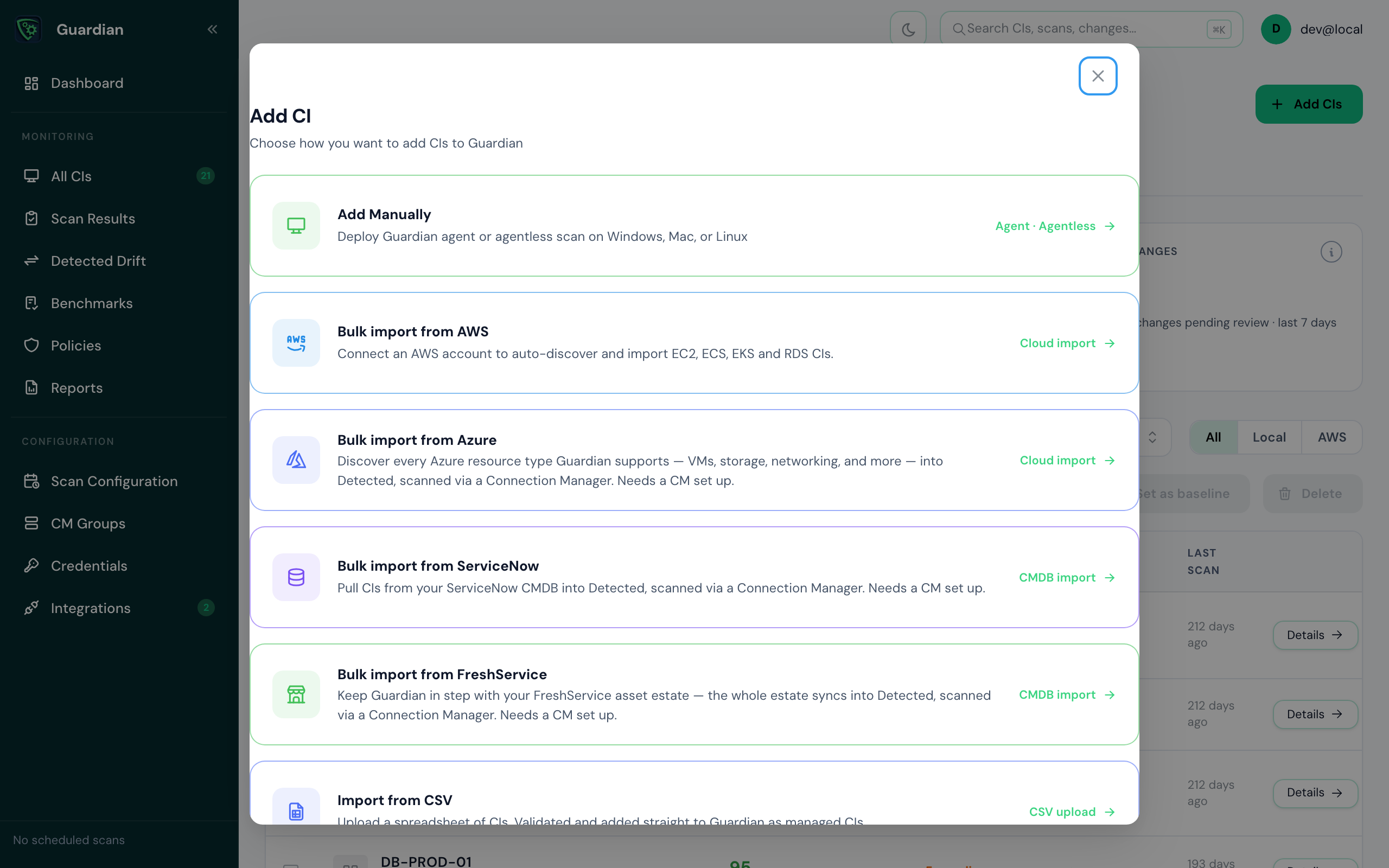
Choose a method#
| Method | Best for | Installs anything on the CI? |
|---|---|---|
| Guardian Agent | Laptops, desktops and servers you own | Yes, the agent |
| Agentless scanning | Servers you'd rather not install software on | No. A Connection Manager reaches the CI over WinRM or SSH |
| AWS | EC2, ECS, EKS and RDS resources in an AWS account | No |
| ServiceNow CMDB | CIs already recorded in your CMDB | No |
Install the Guardian Agent#
- Select Add CIs, then Add Manually, then Install Guardian Agent. Guardian works out which operating system you're on; if it can't, pick Windows, macOS or Linux.
- Follow the steps shown for that operating system. They include the Target URL and API Key the agent asks for when it installs.
- Run the installer on the CI. Guardian connects automatically once the agent registers, and the CI appears on All CIs.
macOS: if Apple can't verify the installer
macOS may say it can't verify GuardianAgent.pkg. To continue, open System Settings › Privacy & Security, scroll down and select Open Anyway. Allow any other permissions the installer asks for.
Scan without an agent#
Nothing is installed on the CI. A Connection Manager on your network reaches it over WinRM (Windows) or SSH (Linux and macOS), using a credential you store in Guardian.
- Make sure you have a Connection Manager that can reach the CI, and a credential it can use.
- Select Add CIs, then Add Manually, then Set up agentless scanning.
- Enter a name for the CI and its hostname or IP address, then follow the remaining steps.
Discover CIs in AWS#
Choose Bulk import from AWS. Connect an AWS account and Guardian discovers its EC2, ECS, EKS and RDS resources for you. See AWS.
Import from ServiceNow#
Choose Bulk import from ServiceNow to import CIs that are already in your ServiceNow CMDB, by CI class. Imported CIs stay linked to their CMDB CI. See ServiceNow CMDB.