
Feature reference
View Markdown
Dashboard#
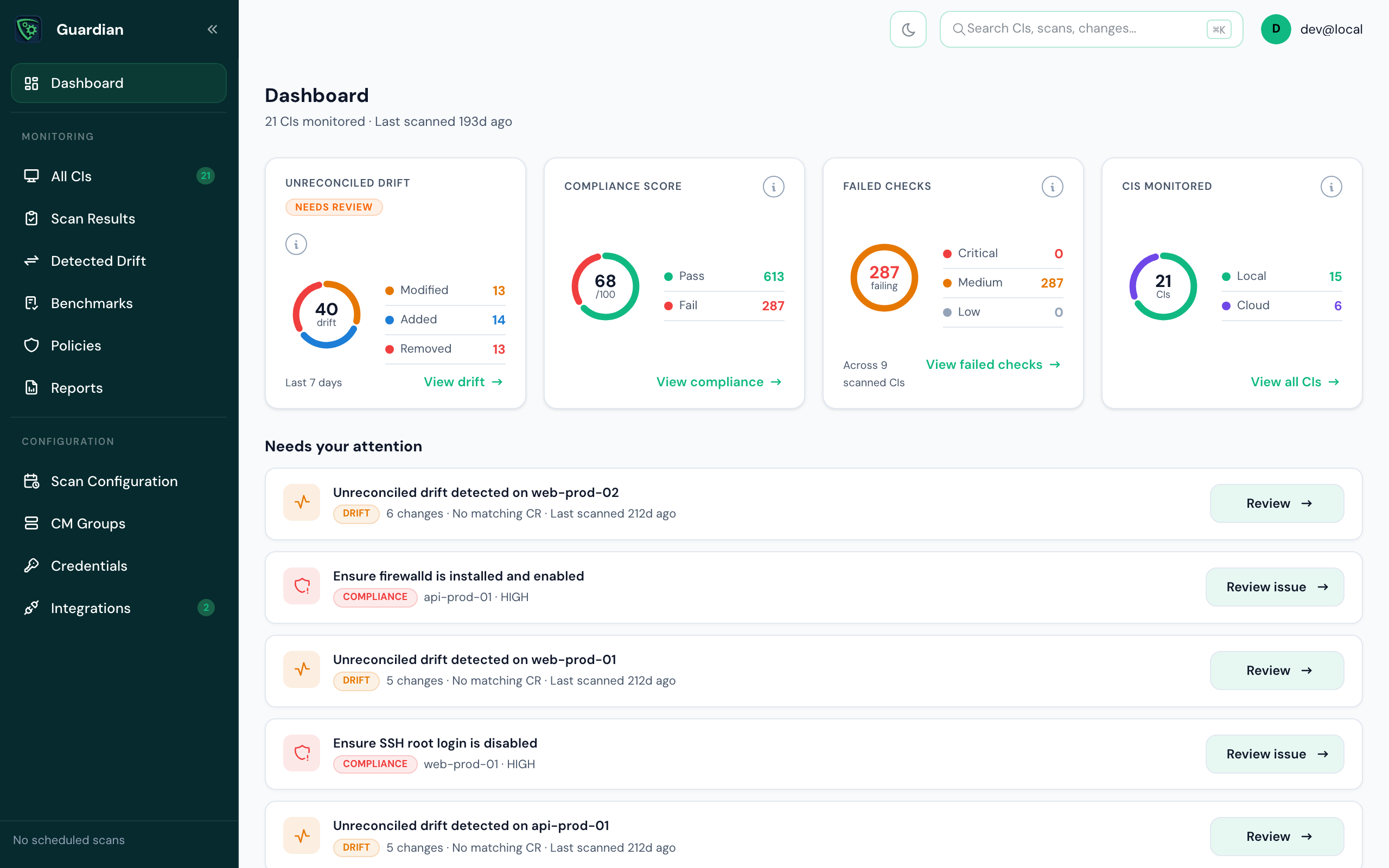
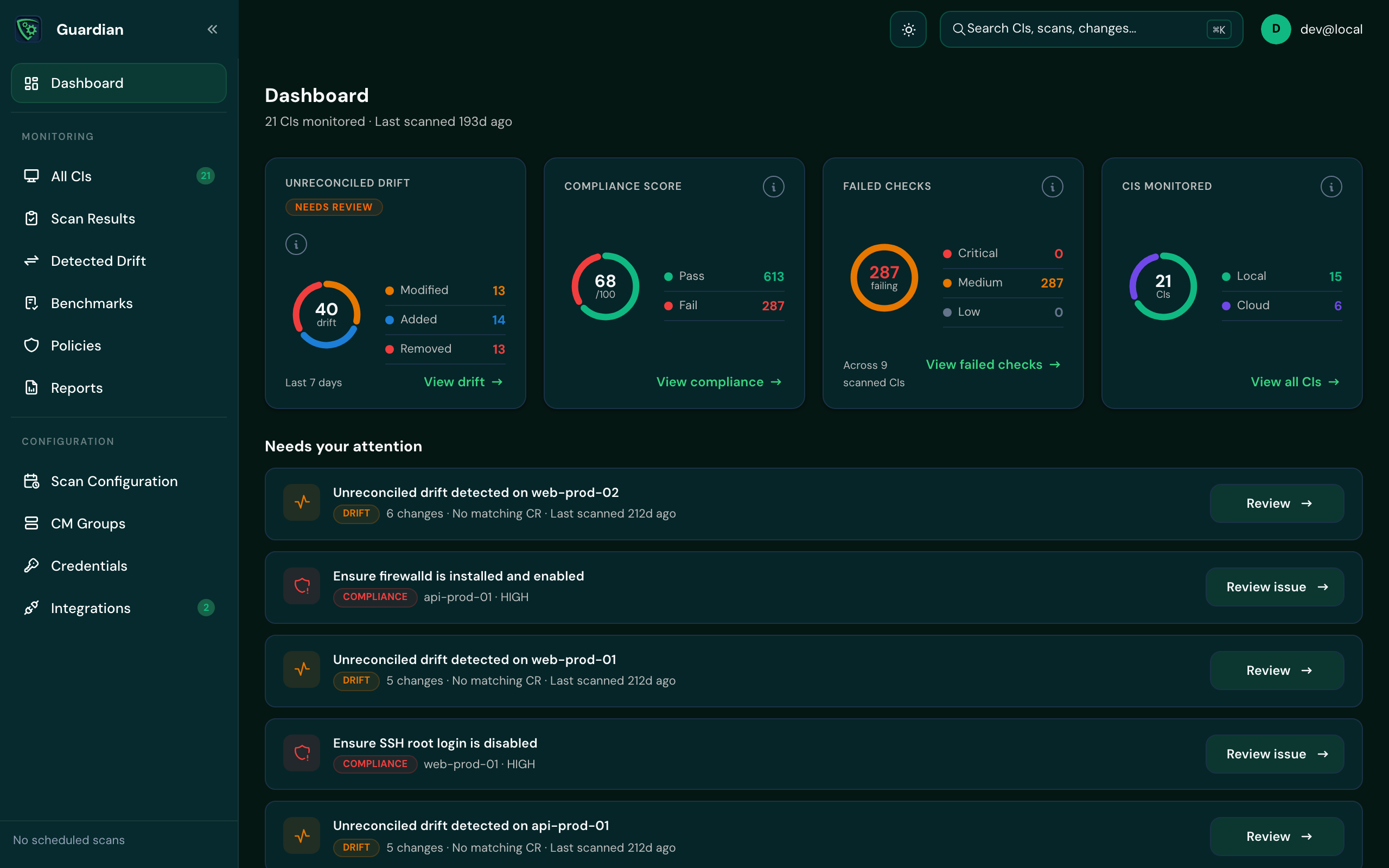
The Dashboard is the first page you see after signing in. It shows the state of your estate at a glance and links to the pages where you act on it.
What's on it#
| Part | What it shows | Where it leads |
|---|---|---|
| Unreconciled drift | Drift in the last 7 days still needing review, split into modified, added and removed. | View drift › Detected Drift |
| Compliance score | A score out of 100, with passing and failing checks. | View compliance › Reports |
| Failed checks | Failing checks by severity, and how many scanned CIs they're on. | View failed checks |
| CIs monitored | How many CIs Guardian monitors, local and cloud. | View all CIs › CIs |
| Needs your attention | Each CI with unreconciled drift, and each failing compliance check, with a button to review it. | The drift or the check |
When you have no CIs yet, the Dashboard shows Welcome to Guardian instead, with the quickest ways to add some. See Add CIs.
Good to know
If part of the Dashboard can't load, the rest still shows. For example, if drift can't be loaded you'll see compliance on its own, with a message saying so.