
Overview
View Markdown
Detected Drift#
Detected Drift lists every change Guardian found between scans. Each item is one changed property on one CI, so you can see exactly what moved and decide whether it was expected.
Read the page#
Detected Drift Summary opens with whether change reconciliation is on (Manual review until it is), then the list. Each row shows what changed (modified, added or removed), the CI, the change request it's matched to (or No CR), whether it's reconciled, and when it was detected.
Open a row to see the change in full:
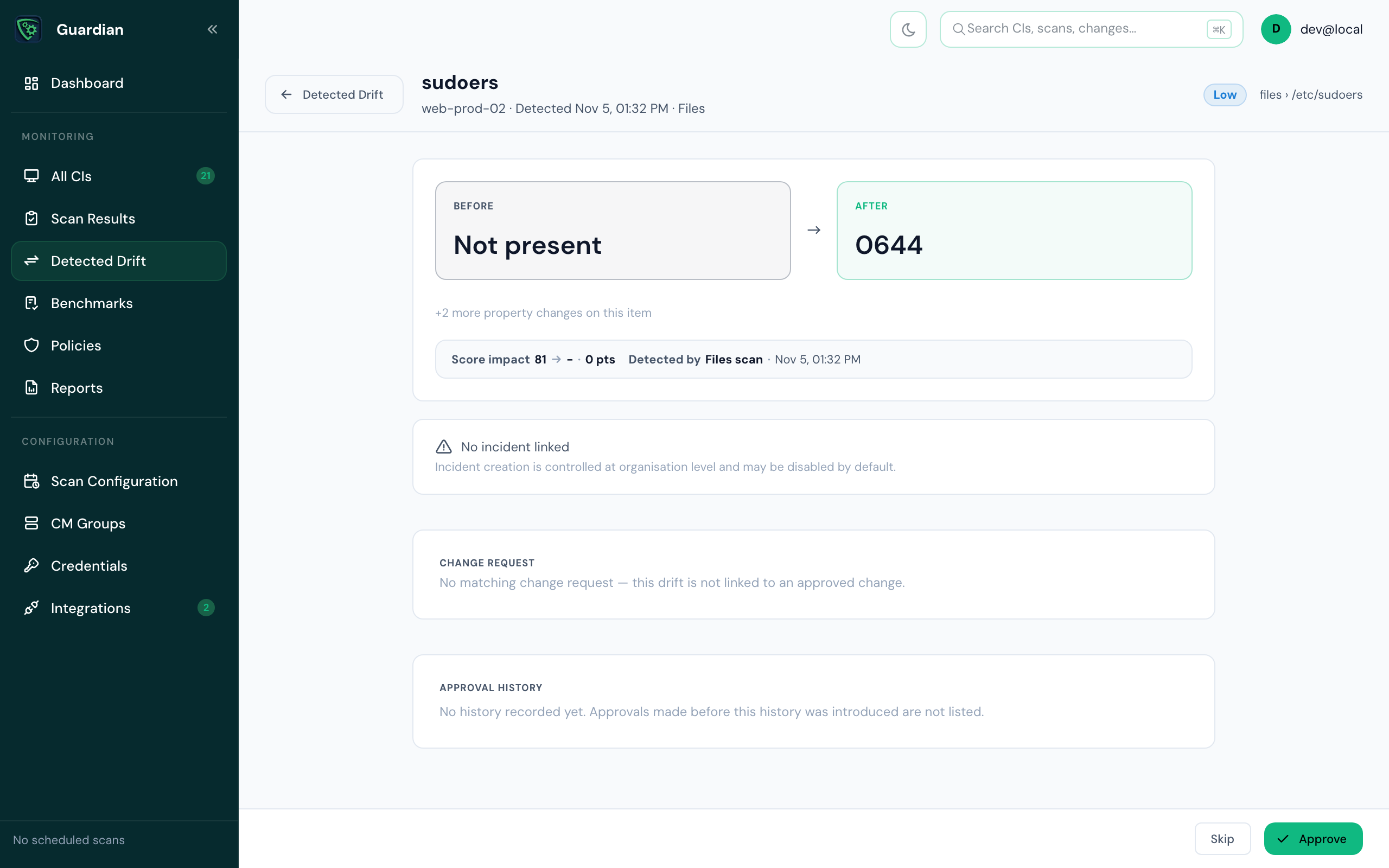
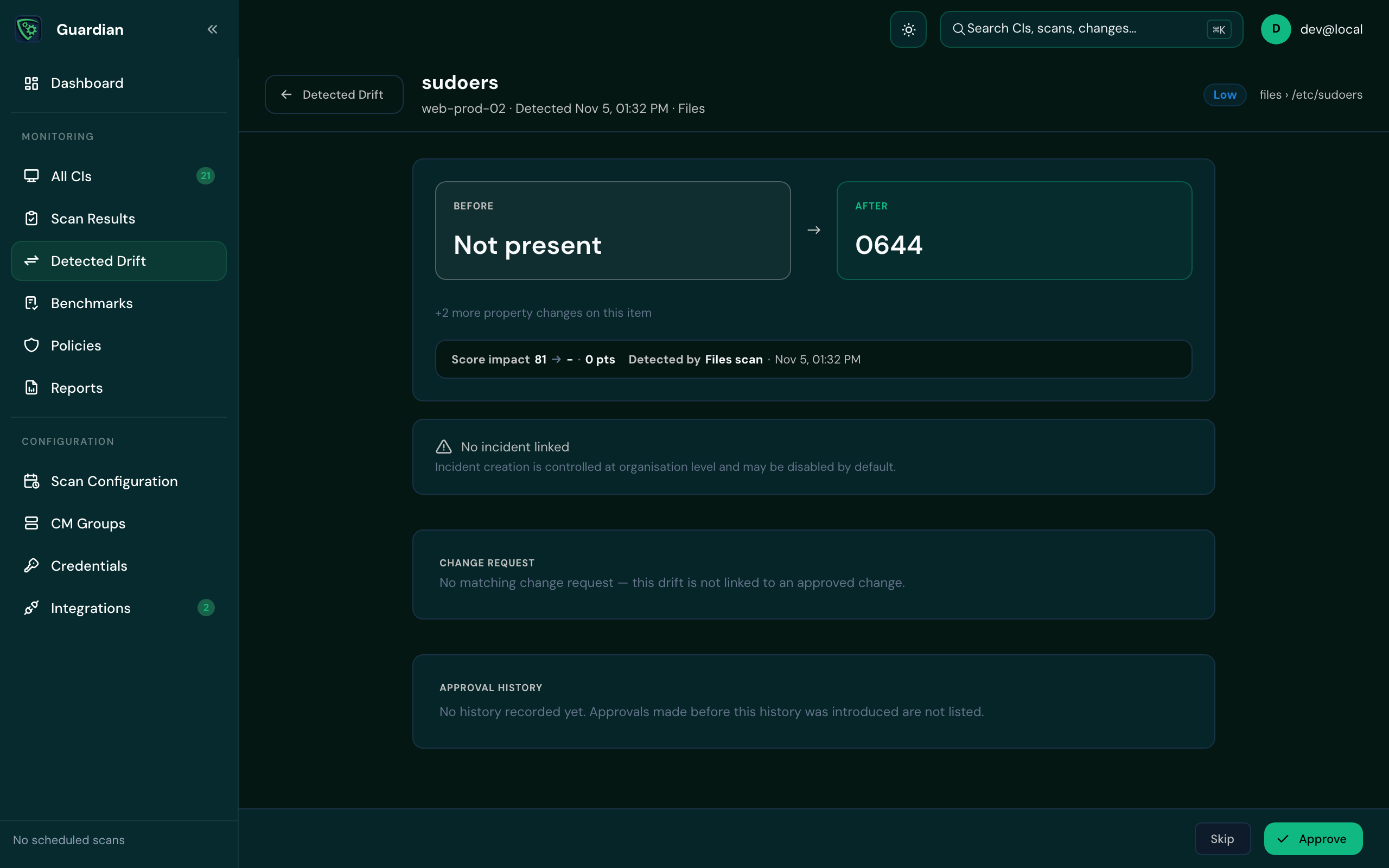
| Part | What it shows |
|---|---|
| Before and After | The property's value before and after the change. |
| Score impact | How the change moved the CI's compliance score, and which scan found it. |
| Change request | The approved change request it's matched to, with View in ServiceNow. If there isn't one, it says the drift isn't linked to an approved change. |
| Approval history | Every approval and reversal, who made it and why. |
Approve (or Unapprove) and Skip are at the bottom of the page. Skip moves on to the next change.
Narrow the list#
- Status
- All, Unreconciled, Reconciled or No CR, with the count of each.
- Filter
- More filters narrows by CI, CI group or change request. A change request filter shows just the drift reconciled to it.
- Search
- Search drift items by text. Separate terms with commas to match any of them, and start a term with
-to exclude it. You can use up to 10 terms of each kind. - Sort
- Newest first by default.
Drift on a CI's page links here already narrowed to that CI.
Act on drift#
- Approve drift that was expected, with a reason or a change request reference. See Approve drift.
- Unapprove an approval made in error. You must give a reason; it's recorded in the history.
- Reconcile automatically: with change reconciliation, Guardian matches drift to approved ServiceNow change requests for you.