
Workflow
View Markdown
Approve drift#
Approving drift records that a change was expected or authorised. It moves out of the unreconciled count, and the approval goes into the audit trail with who approved it and why.
Approve one or more changes#
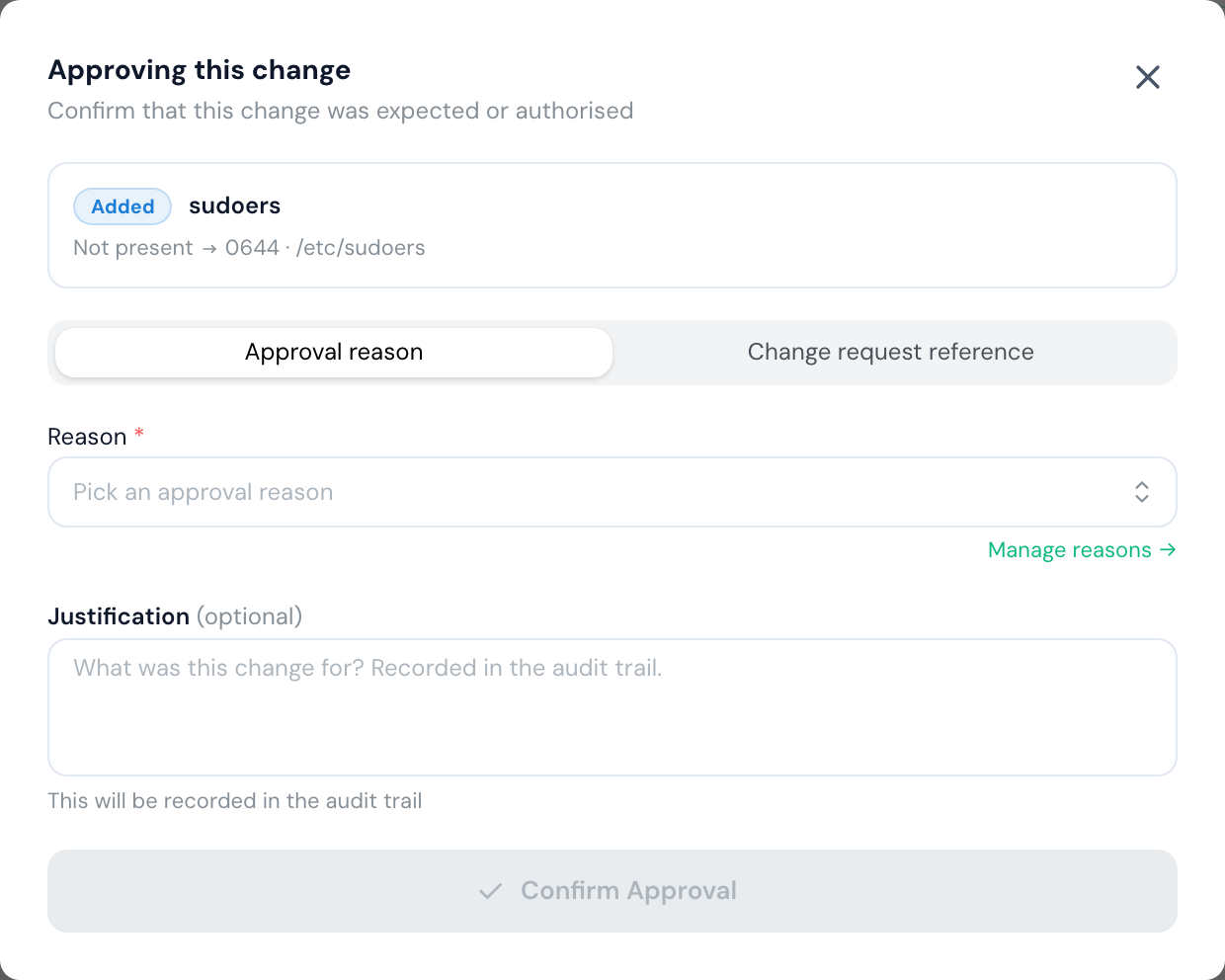
- On Detected Drift, open a change and select Approve, or select up to 500 changes in the list and approve them together.
- Choose how to record it:
- Approval reason: pick a reason, such as routine patching. The change is shown as Standard.
- Change request reference: enter the change request from ServiceNow or your ticketing system, for example
CHG0012345. The change is shown as Reconciled to a change request.
- Add a Justification if you want to say what the change was for. It's optional, and recorded in the audit trail.
- Select Confirm Approval.
Manage approval reasons#
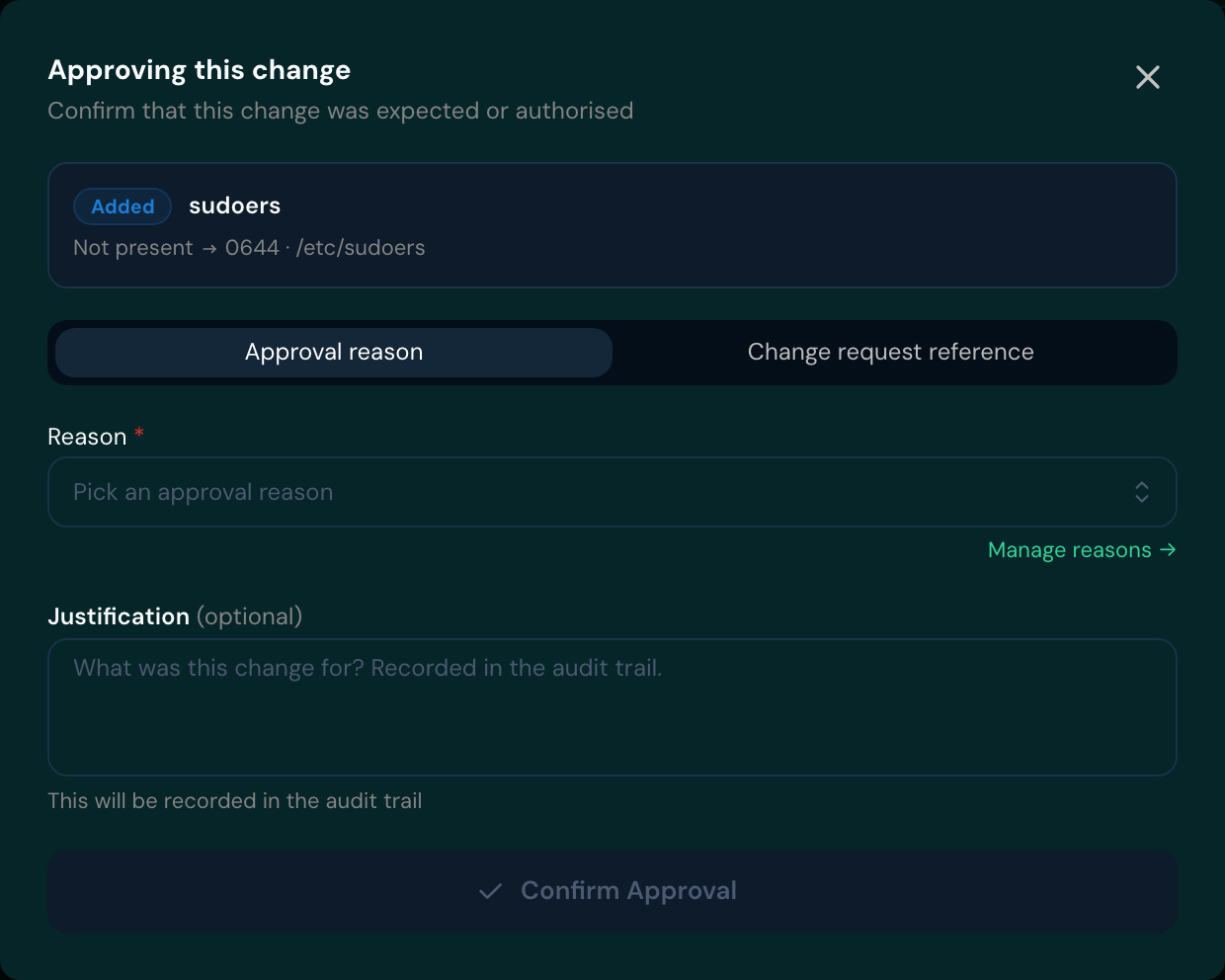
The reasons offered are your organisation's own. Select Manage reasons in the approve dialog to add or edit them.
Reverse an approval#
If something was approved by mistake, open it and select Unapprove. Say why the approval is being reversed: the reason is mandatory and recorded in the audit trail. The change goes back to unreconciled.
Good to know
If you use ServiceNow, you may not need to approve changes by hand. Change reconciliation matches drift to approved change requests automatically. While it's on, you can't select individual changes to approve.