
Workflow
View Markdown
Benchmarks#
Benchmarks are industry-standard compliance baselines, such as CIS Benchmarks, that your CIs are assessed against. Benchmarks lists the ones available to you.
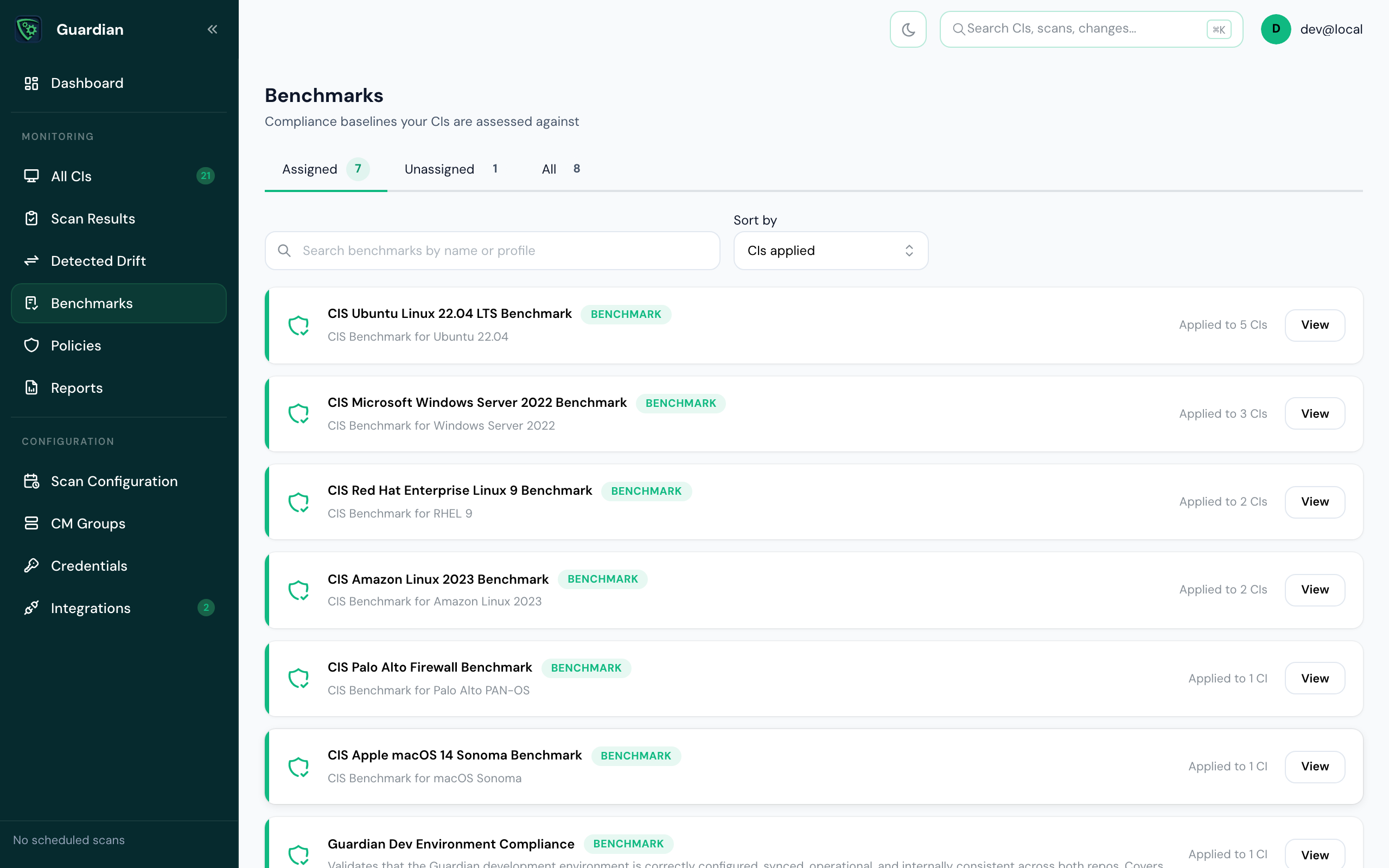
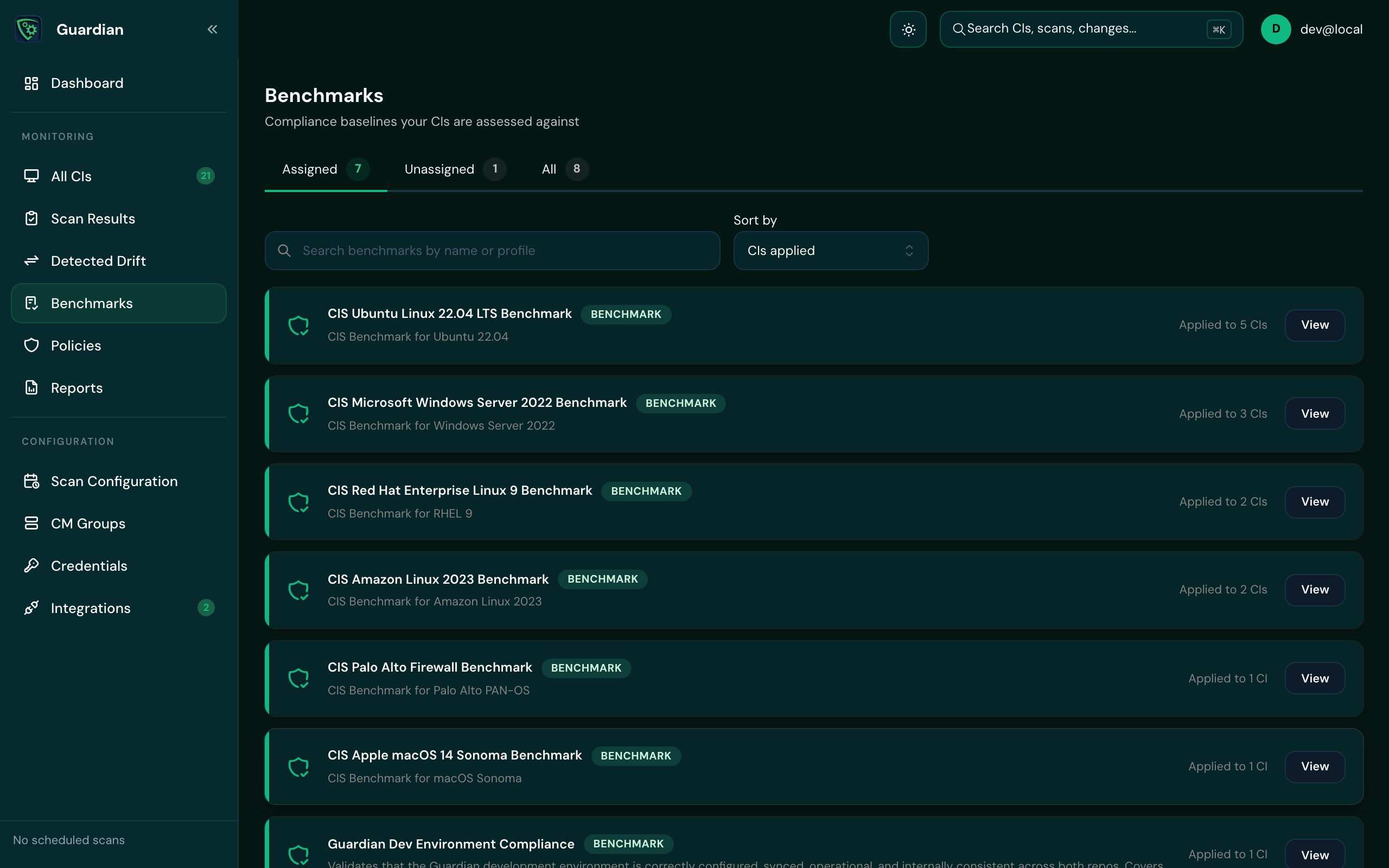
The tabs split benchmarks into Assigned (applied to at least one CI) and Unassigned, and each row shows how many CIs it's applied to.
Assign a benchmark#
- On Benchmarks, search by name or profile and open a benchmark.
- Choose to assign it, and select the CI groups to assess.
- Save. Until a benchmark is assigned to a group, nothing is assessed against it.
See the results#
Open a benchmark to see:
- each check, and its Result by CI
- each CI's checks against the benchmark
- how results trend over time, once there's more than one run
Good to know
Benchmarks are assessed on their own schedule, not with every scan. After you assign one, results appear once that schedule has run. Running a benchmark on demand isn't available yet.