
Set up change reconciliation with ServiceNow#
Setup takes three steps: connect your instance, match your CIs, and turn reconciliation on. Start it from Set up reconciliation on Detected Drift, or from Settings › Integrations › ServiceNow.
Applies to: Guardian Essentials Additional capability ServiceNow
Before you start#
- You need a ServiceNow account Guardian can use to read change requests and your CMDB: a username and password, or an OAuth client ID and secret.
- Guardian keeps one ServiceNow connection per organisation. If you've already connected ServiceNow, for example to import CIs, reconciliation uses that saved connection.
Connect#
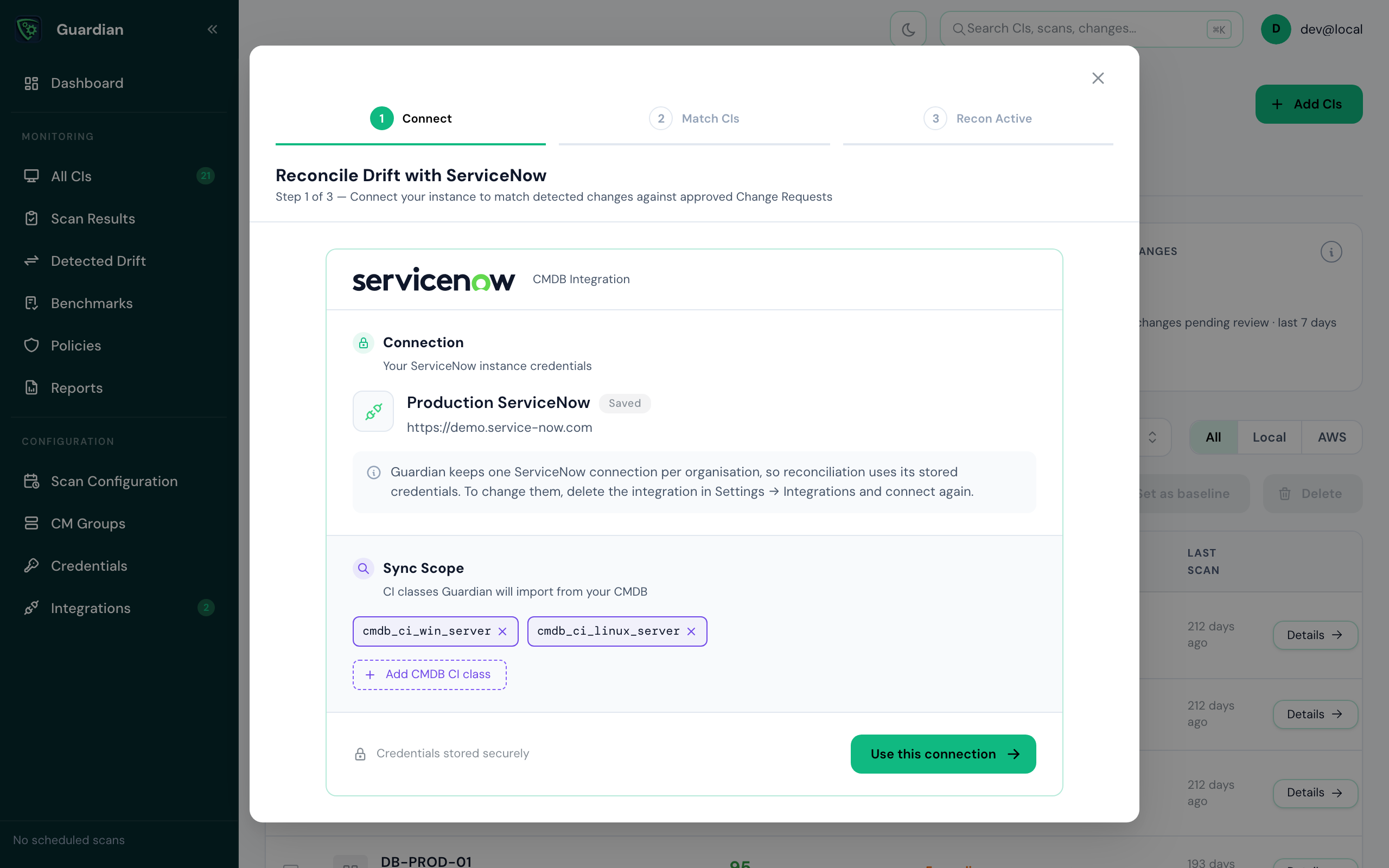
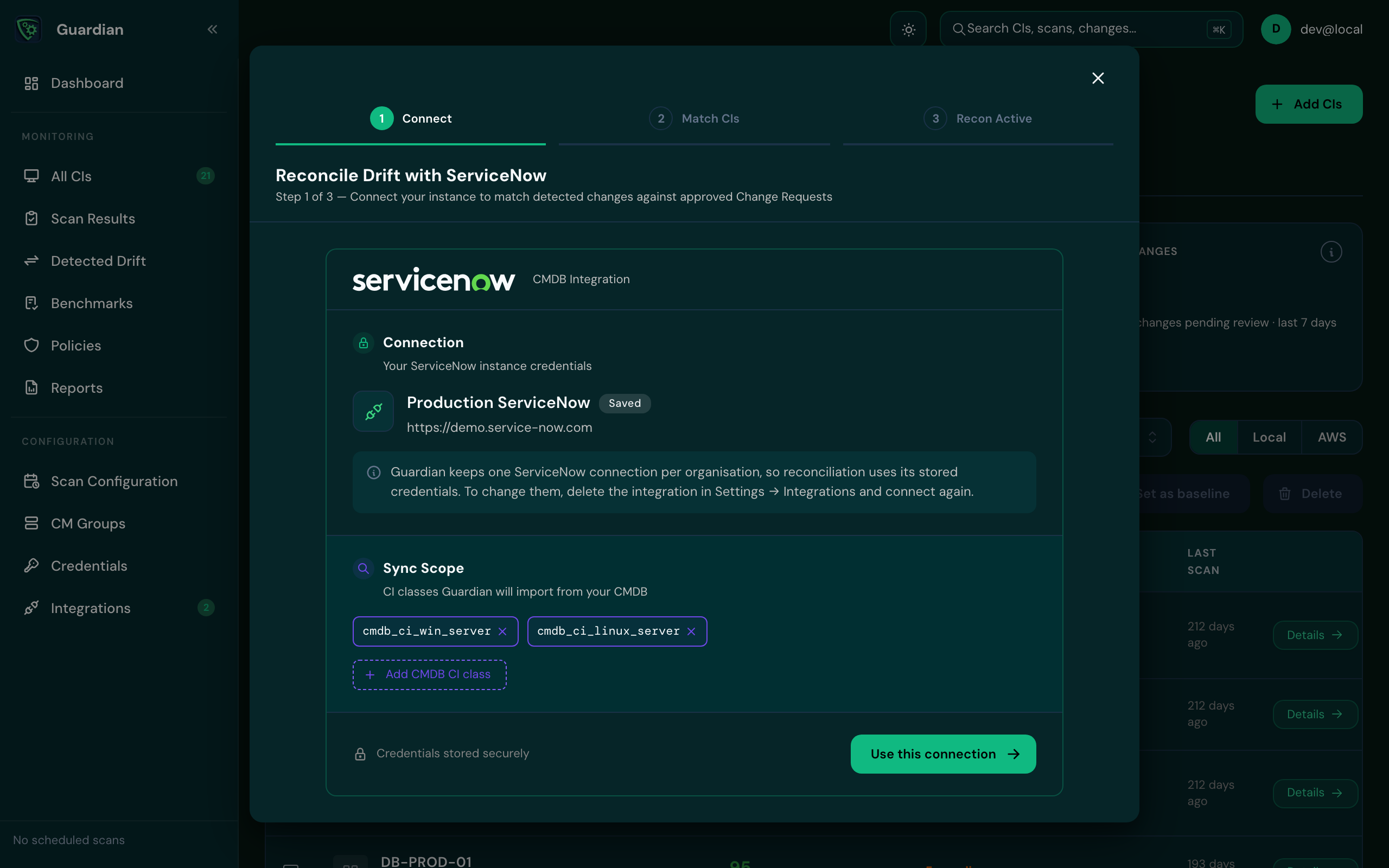
Enter your ServiceNow instance URL and the credentials, then select Test & connect. Guardian checks it can reach the instance before going on.
If ServiceNow is already connected, setup shows the saved connection instead. Check the Sync Scope, the CMDB CI classes Guardian imports, and select Use this connection.
Match CIs#
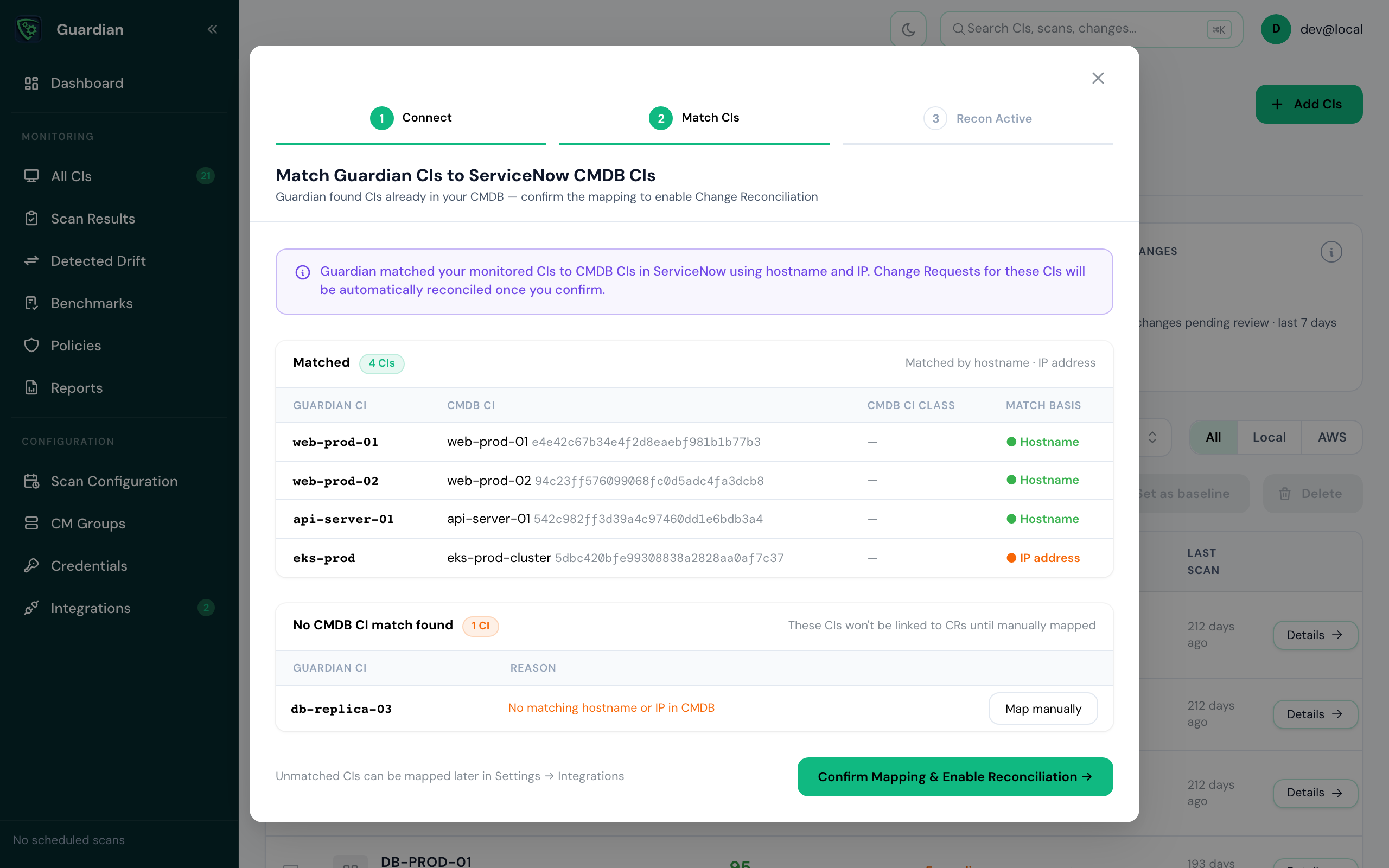
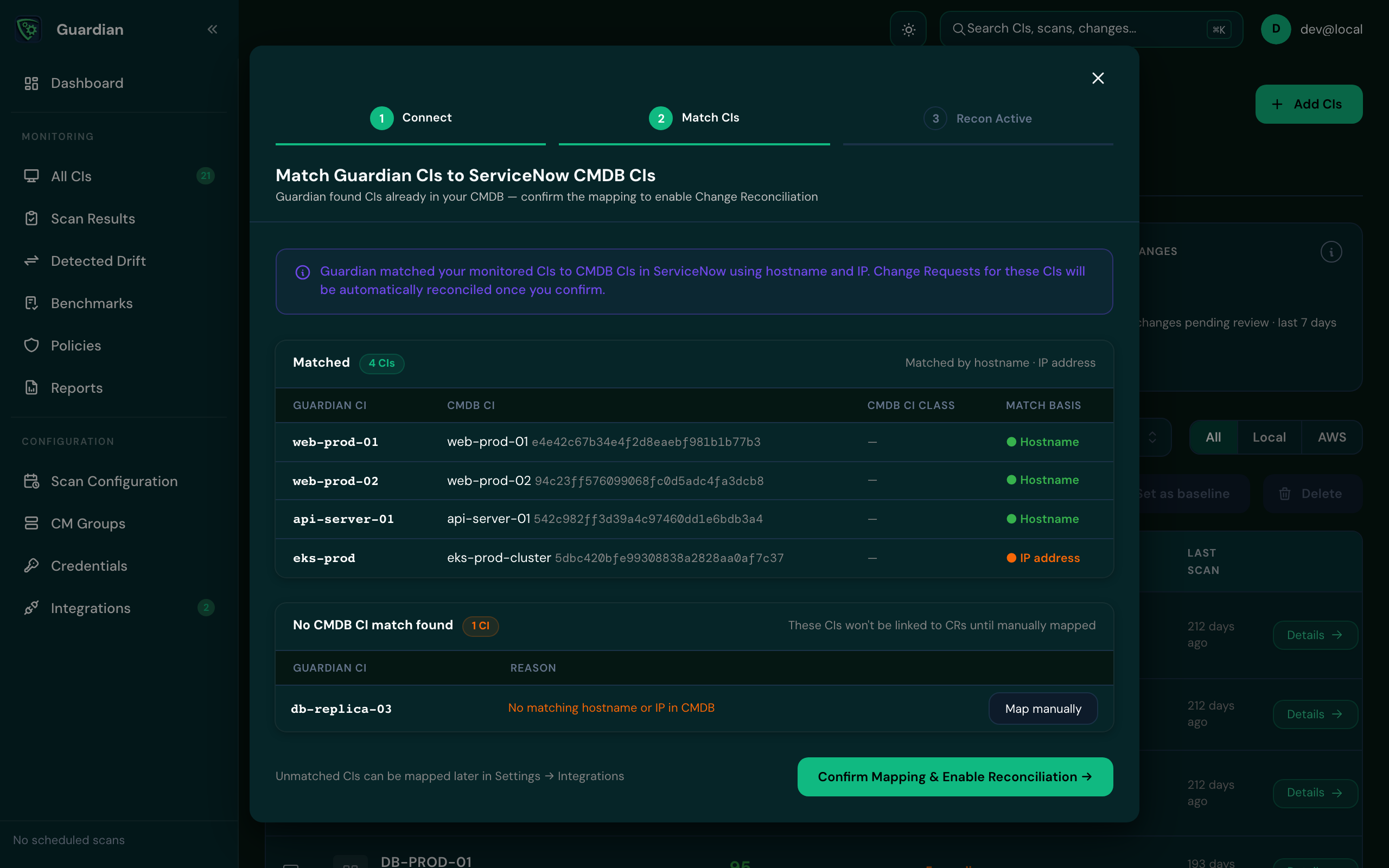
Guardian syncs CIs from your CMDB and matches them to your Guardian CIs by hostname or IP address. Change requests for matched CIs are reconciled automatically once you confirm.
- Check the Matched list, and how each CI was matched.
- For any CI under No CMDB CI match found, select Map manually to choose its CMDB CI, or leave it: unmatched CIs can be mapped later in Settings › Integrations.
- Select Confirm Mapping & Enable Reconciliation.
If some imports fail, you can still continue to matching: the imports that succeeded are usable. Retry the failed ones later from Settings › Integrations.
Reconciliation is on#
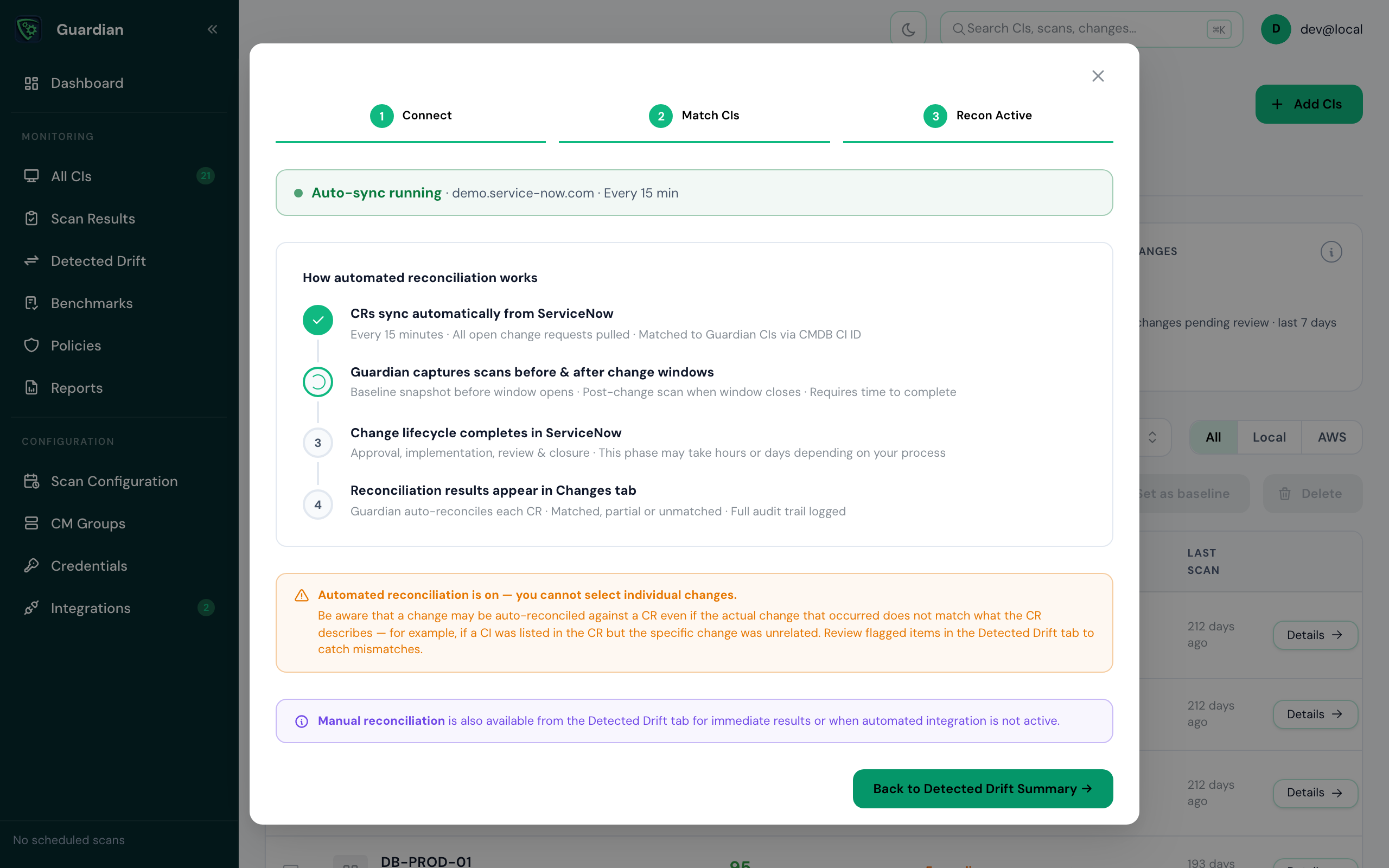
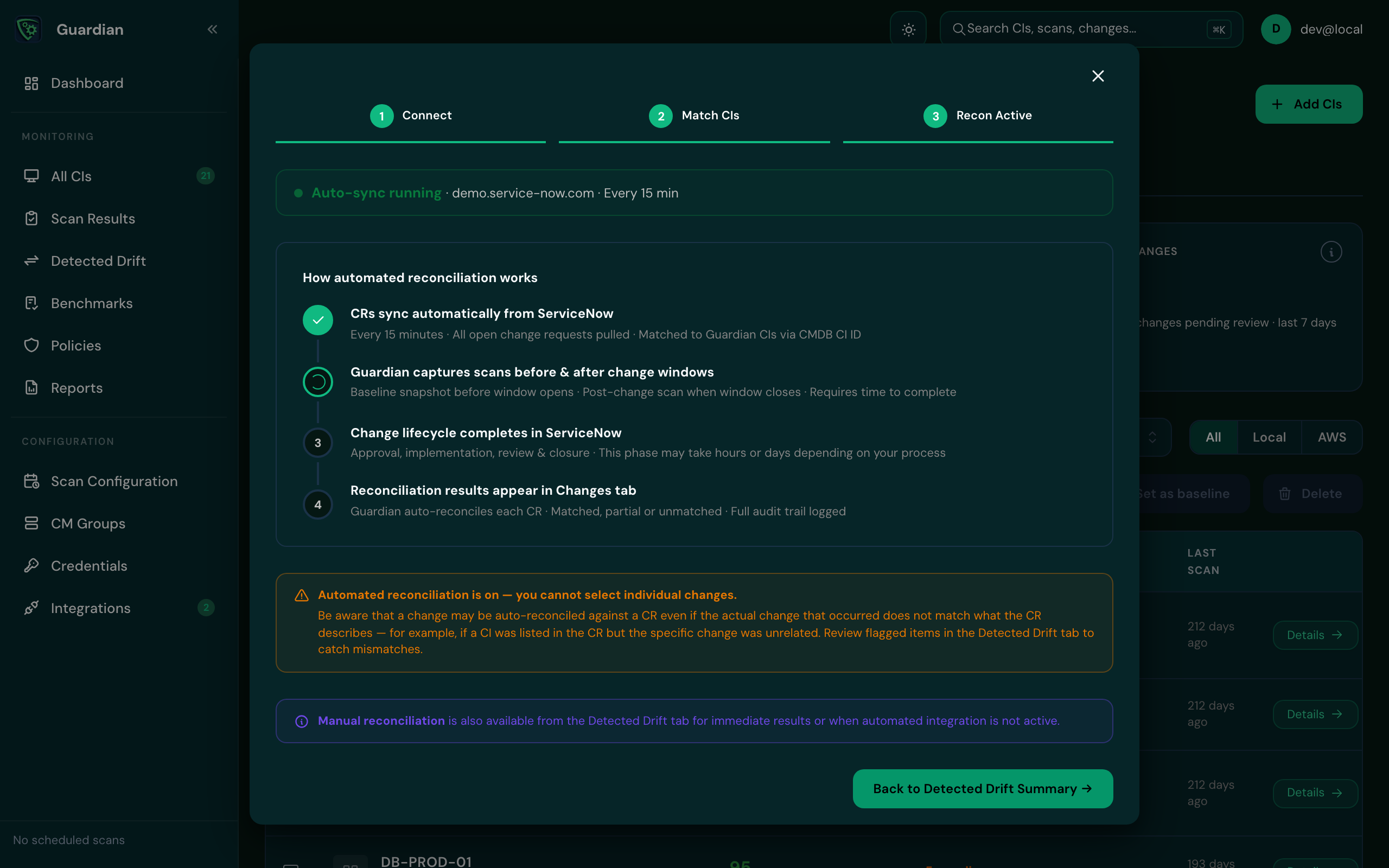
Auto-sync running confirms Guardian now syncs change requests every 15 minutes and reconciles matching drift in the background. Select Back to Detected Drift Summary to see the result.
Good to know
To change the saved ServiceNow credentials, delete the integration in Settings › Integrations and connect again.